


Sign In / Sign Up To Add Wishlist
Wishlist is available for members only. Please sign in or sign up to add your wishlist.
Choosing the Best A3 Printer: Ultimate Guide

For many businesses and home offices, an A3 printer opens the door to smarter workflows, sharper presentation and greater flexibility across a wider range of printing tasks. From producing large-format marketing materials to printing spreadsheets, architectural drawings and reports, you can print larger documents without relying on external printing services.
But with so many options available, choosing the best A3 printer in Australia can feel overwhelming. Should you choose an A3 inkjet printer or laser? Would an A3 multi-function printer be a better fit for your workflow? And which features matter most for Australian businesses and busy workgroups?
If you’ve ever stood in an office aisle searching model numbers before purchasing, having a simple decision framework makes all the difference. This guide walks through everything you need to know - from print quality and running costs to energy efficiency, media handling and office footprint - so you can confidently choose the best A3 printer for your needs.
You can also browse the key topics below to quickly find what you need:
- What is an A3 printer?
- Which is the best A3 printer to buy in Australia?
- Brother A3 printer recommendations by business need
- Is an A3 printer worth the investment?
- How much does a good quality A3 colour printer typically cost in Australia for small business use?
- What type of colour printer would be best suited for printing marketing flyers and brochures in A3 size?
- Are there any compact A3 colour printers available that do not take up too much space in a small office?
- What are the main advantages of using an A3 colour printer compared to a standard A4 model for business documents?
- What are the most energy-efficient A3 colour printers currently on the market?
- How much does it cost to print a full-colour A3 page on a typical office printer, including ink and paper?
- What kind of paper types and weights can an A3 colour printer typically handle for various printing needs?
- What features should I look for when choosing an A3 colour printer for a home office environment?
- How do A3 inkjet printer models compare to laser A3 colour printers regarding print quality and running costs?
- What are the security features I should consider when buying an A3 colour printer for a network in a corporate setting?
- What are some A3 colour printer models that are known for their reliability and low maintenance requirements?
What is an A3 printer?
An A3 printer is a printer that can handle paper up to A3 size (297 x 420 mm). That makes it twice the size of standard A4, giving you more room for detailed documents, spreadsheets, diagrams, posters and promotional layouts.
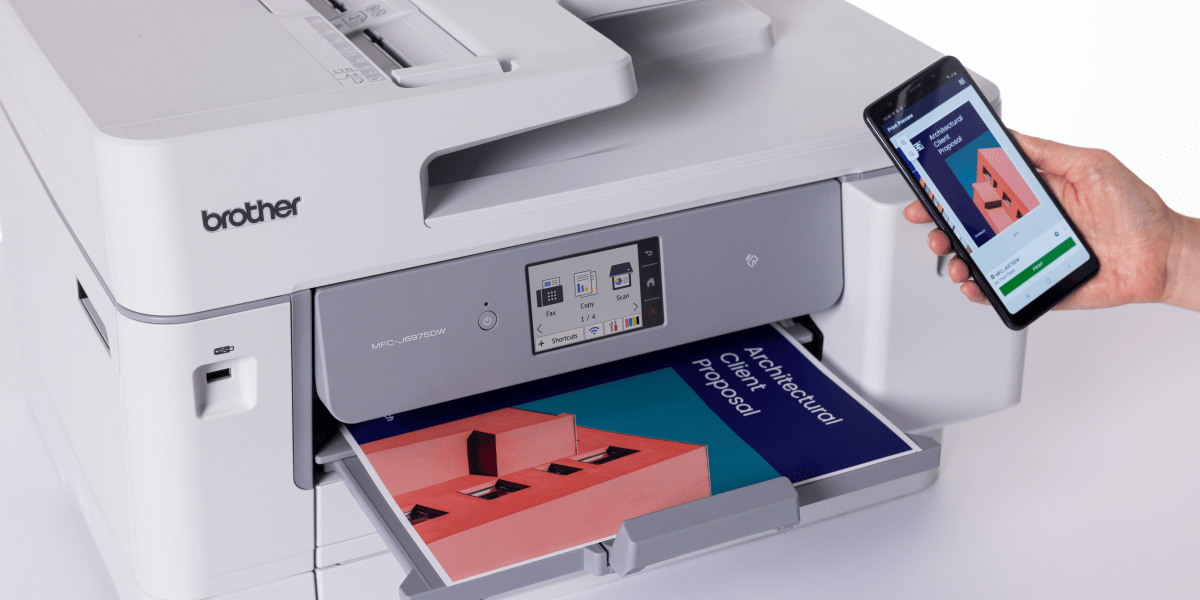
Many modern A3 models are also built as an A3 multi-function printer, which means they can print, scan and copy from one device. In many office environments, this is the most practical option because it reduces the need for separate machines and helps streamline workflows. For instance, design studios can replace three separate devices with a single A3 multi-function printer and free up enough bench space for an extra workstation.
Typical uses for A3 paper and A3 printing include:
- Marketing flyers and posters
- Brochures and promotional collateral
- Large spreadsheets and financial reports
- Drawings, plans and proposals
- School or training materials
- Internal signage and point-of-purchase displays
If your team needs flexibility beyond standard A4, an A3 colour printer can make a real difference to how work gets done in-house. We often hear this around event season as teams love being able to turn around signage and floor plans the same day.
Which is the best A3 printer to buy in Australia?
The answer depends on what you print, how often you print it and how many people will be using the machine. But it’s good to note that the best A3 printer in Australia that businesses choose is rarely just the cheapest option. Businesses soon realise the cheapest device can cost more over a year once ink, downtime and paper handling are factored in. Instead, it is usually the model that strikes the right balance between:
- Print quality
- Speed
- Running costs
- Paper capacity
- Media flexibility
- Security
- Connectivity
- Footprint
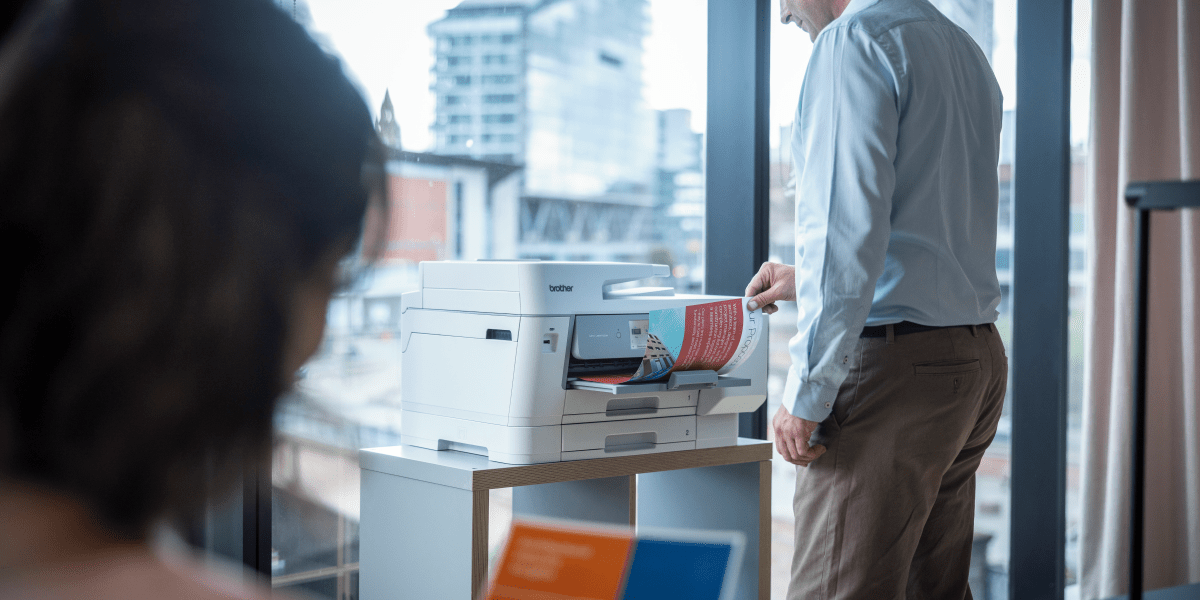
For many workplaces, the most practical option is an A3 multi-function printer that can handle your everyday business needs in one device - printing, scanning and copying. This is especially valuable for teams that regularly work with multi-page reports, contracts, plans or marketing materials, while also needing the flexibility to manage a wide range of document tasks efficiently.
Brother A3 printer recommendations by business need
To help narrow it down, here is a practical way to think about the Brother range of A3 INKvestment Business printers. To help narrow it down, here is a practical way to think about the Brother A3 INKvestment Business range. Each model is designed for a different type of team - from smaller offices needing compact A3 capability to busier environments that need more capacity, flexibility, advanced security and workflow support.
Best printer for smaller offices: Brother INKvestment Business MFC-J6560DW
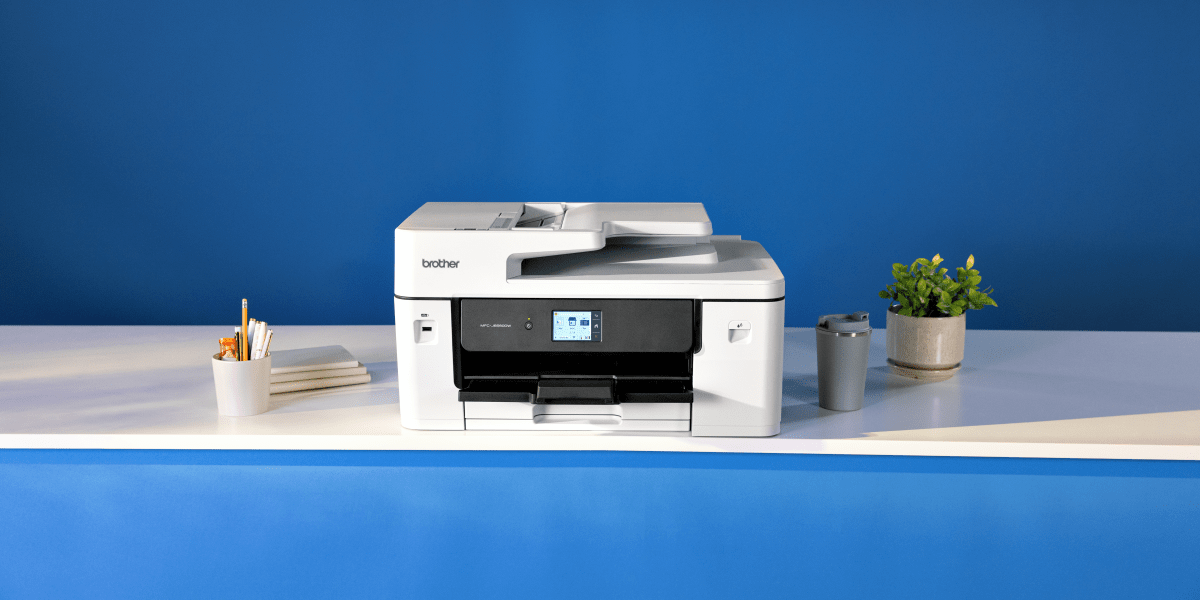
If you want A3 capability without taking up too much room, the Brother MFC-J6560DW is a strong choice. This compact A3 inkjet printer is designed for offices that need A3 flexibility in a smaller footprint. It offers:
- A3 scanning via a 50-sheet ADF
- Up to 31ppm print speed and rapid FPOT from approximately 4.4 seconds2,3
- A 250-sheet tray plus rear manual feed
- Dual-band Wi-Fi, Ethernet and USB
- Business-ready security features including Secure Function Lock and network authentication support
- Up to one year of ink in-box5
For users looking for a good A3 printer for a home office or small business, the MFC-J6560DW is a practical entry point into business-grade A3 printing.
Best printer for business with busy workgroups: Brother INKvestment Business MFC-J6960DW
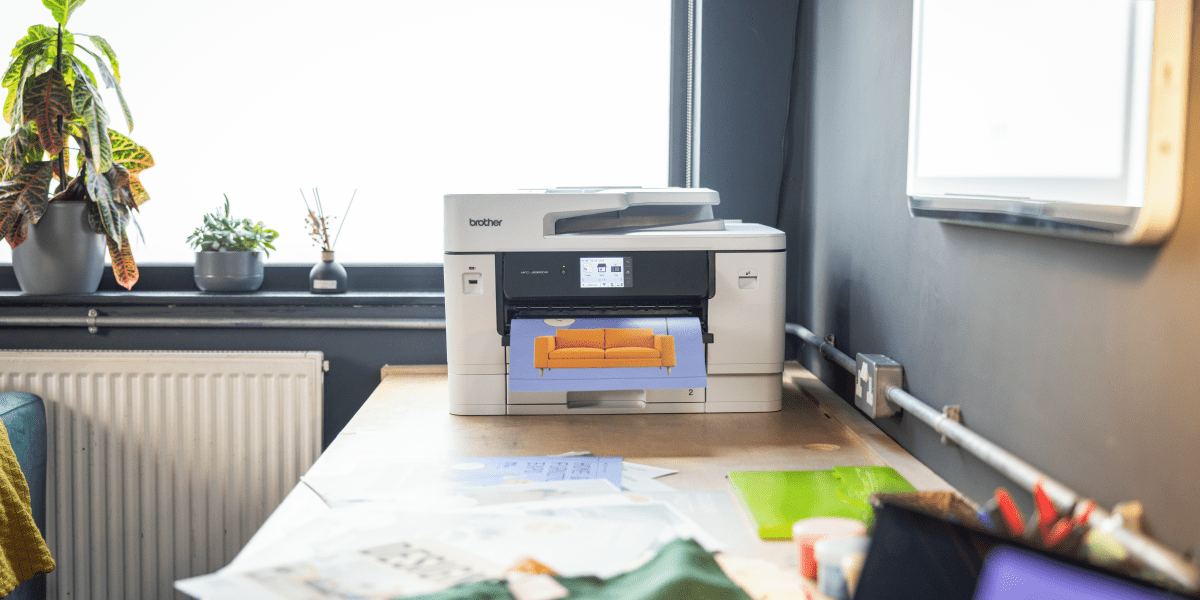
If your office prints frequently and across multiple users, the Brother MFC-J6960DW is a compelling option. This A3 inkjet printer is built for higher productivity with:
- Automatic 2-sided (duplex) A3 print and scan
- A3 scanning via a 50-sheet ADF
- Up to 31ppm print speed and rapid FPOT from approximately 4.4 seconds2,3
- Dual 250-sheet paper trays plus 100-sheet multi-purpose tray
- Long length printing up to 1.2m
- Dual-band Wi-Fi, Ethernet and USB
- LDAP support and advanced security features to help control access and protect documents on the network
- Up to one year of ink in-box5
For many shared office environments, this model will feel like the best A3 multi-function printer for businesses when they need speed, capacity and flexibility without stepping up to a more advanced managed print environment.
Best printer for businesses with demanding teams and managed environments: Brother MFC-J6975DW
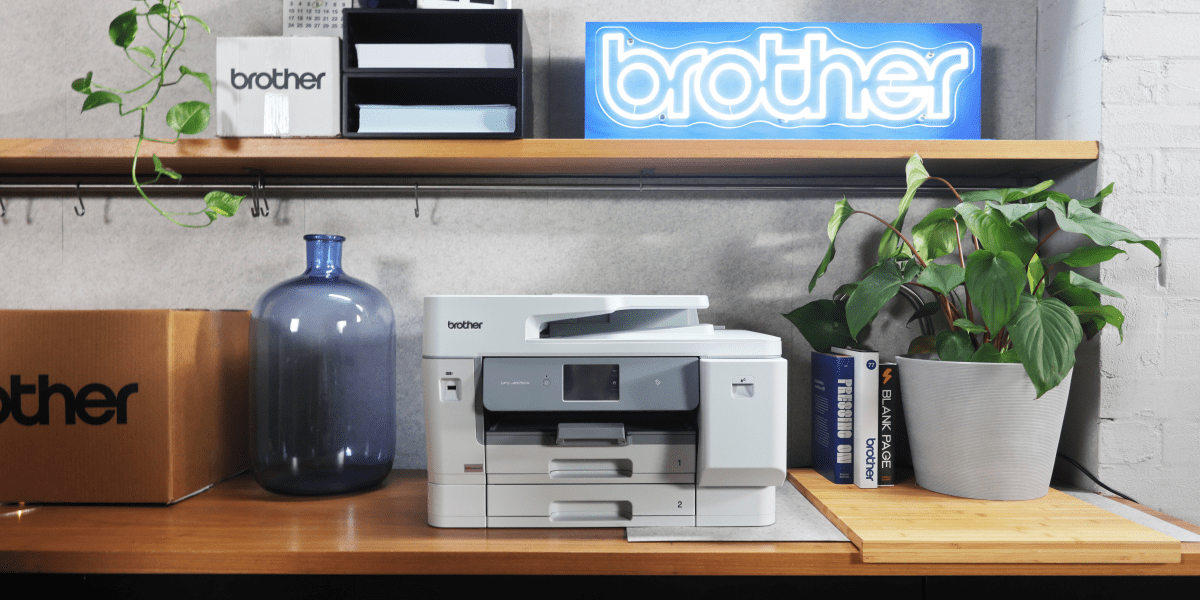
For offices with heavier print demands, more complex workflows or tighter security requirements, the Brother MFC-J6975DW is the premium choice. This advanced A3 multi-function printer adds:
- Automatic 2-sided (duplex) A3 print and scan
- A3 scanning via a 50-sheet ADF
- Up to 31ppm print speed and rapid FPOT from approximately 4.4 seconds2,3
- Dual 250-sheet trays plus 100-sheet multi-purpose tray
- Long length printing up to 1.2m4
- Dual-band Wi-Fi, Ethernet and USB; plus support for Brother Mobile Connect, Apple AirPrint, Mopria
- NFC (Near Field Communication) card reader support, PCL driver support and LDAP integration for secure, managed environments
- Up to 1 year and 4 months of ink in-box5
- Ultra high-yield LC537 cartridges for ultra-low running costs (up to 12,000 mono / 10,000 colour pages)1
- 1GB memory for heavier workloads
If you’re looking for the best A3 multi-function printer that business teams can rely on in a demanding shared environment, the MFC-J6975DW stands out for its workflow integration, security support and ultra-low running costs.
- Approximate page yields are declared in accordance with ISO/IEC 24711.
- Print speeds (ESAT) are measured in accordance with ISO/IEC 24734.
- First Print Out Time (FPOT) is measured in accordance with ISO/IEC 17629.
- Long length printing is supported up to approximately 1.2m when using recommended media and the multi-purpose tray; actual maximum may vary depending on conditions and application.
- Based on average monthly print volumes of approximately 200 pages in accordance with ISO/IEC 24711 using 4 cartridges provided in-box. For additional page yield information, see go.brother/pageyield.
Is an A3 printer worth the investment?
For many businesses, yes.
An A3 printer is worth the investment because it allows you to bring more work in-house. Rather than outsourcing posters, spreadsheets, plans, booklets or marketing collateral, you can produce them on demand, in the office, when you need them. For instance, if you work in a retail environment, you can save multiple trips to a print shop by producing same-day window posters whenever promos change.
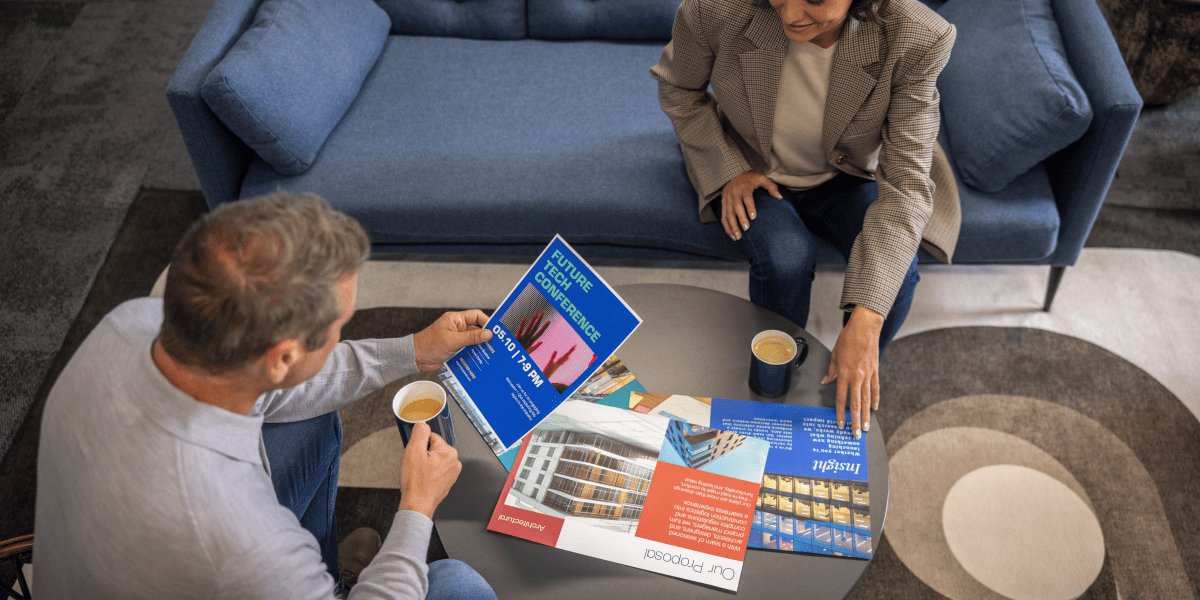
Key benefits of investing in A3 printing:
1. Greater flexibility
A3 lets you print larger documents at the size they were designed to be seen. Instead of shrinking everything to fit A4, you can preserve readability and visual impact.
2. Faster turnaround
If you are producing flyers, internal signage or proposals, printing in-house can save time and reduce dependency on external print suppliers. Event coordinators love being able to fix a typo and reprint signage five minutes before doors open.
3. Better presentation
A well-produced A3 document can be easier to read, easier to share in meetings and more professional in client-facing situations. For instance, client workshops can run smoother when schedules and maps are printed at A3 and pinned up for quick reference.
4. Improved workflow
An A3 printer with scanner or A3 multi-function printer can help teams handle large-format documents from start to finish in one place.
For example, the Brother MFC-J6960DW and MFC-J6975DW both support automatic 2-sided (duplex) A3 print and scan, which is particularly useful for double-sided spreadsheets, proposals and plans. That kind of capability can make a noticeable difference in a busy office.
How much does a good quality A3 colour printer typically cost in Australia for small business use?

The cost of an A3 colour printer in Australia varies depending on the type of printer, the paper capacity, the available features and the intended workload. As a general guide, Brother’s A3 INKvestment Business range starts from around $449 RRP, with mid-range and premium models increasing in price as features, capacity and efficiency increase.
- Brother MFC-J6560DW: $449 RRP
- Brother MFC-J6960DW: $559 RRP
- Brother MFC-J6975DW: $785 RRP
What matters most is also not just the purchase price, but the overall value over time. When comparing options, look beyond the upfront cost and consider:
- Ink yield
- Cost per page
- Print speed
- Paper tray capacity
- Media handling
- Security features
- Maintenance needs
- Warranty and support
For example, the Brother MFC-J6560DW is a strong option for businesses wanting compact A3 capability at a lower upfront cost, while the MFC-J6975DW may offer better long-term value for busier offices. With the MFC-J6975DW's support for ultra high-yield cartridges, it gives businesses more flexibility over how they manage ongoing print costs.
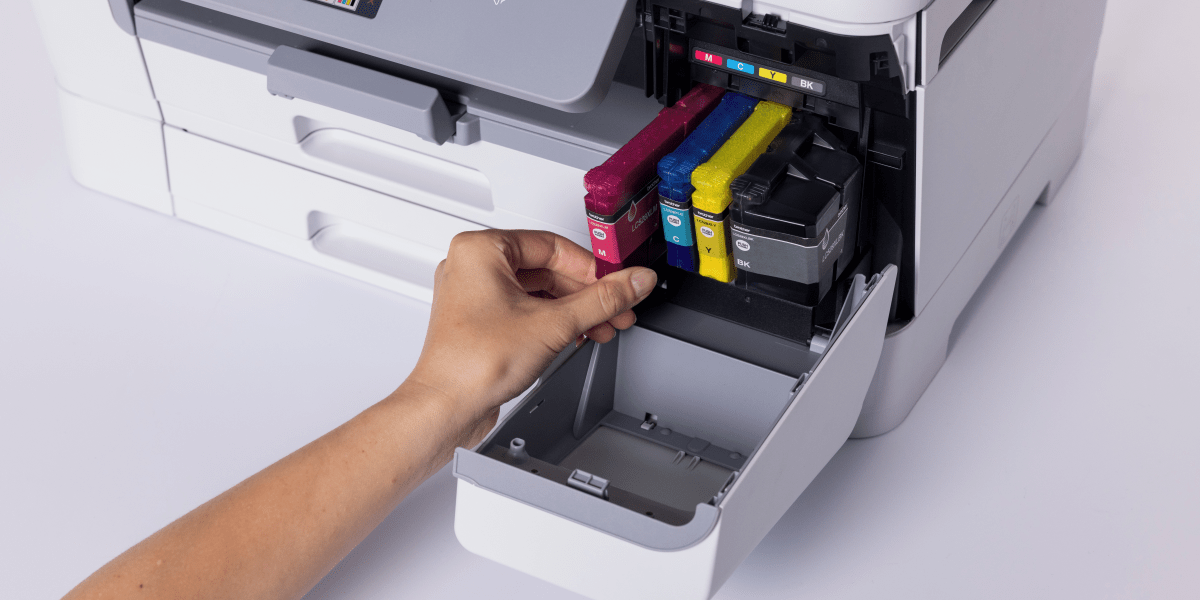
Estimated black cost per page can range from around $0.068 with a standard cartridge (LC536BK) to around $0.016 with an ultra high-yield option (LC537BK), while colour cartridges (LC536C/M/Y) each range from around $0.049 per page with a standard cartridge to $0.031 per page with ultra high-yield inks (LC537C/M/Y suitable only with MFC-J6975DW).
Note: these figures are provided as individual cartridge comparisons only, as total running costs will vary depending on how much mono and colour printing your business does. Cost per page estimates are calculated using cartridge RRP divided by approximate page yields declared in accordance with ISO/IEC 24711 and do not include the cost of paper. Actual cost per page will vary depending on print coverage, media type and usage patterns.
What type of colour printer would be best suited for printing marketing flyers and brochures in A3 size?
If your priority is flyers, brochures, posters or visual materials, a business-grade A3 inkjet printer is often the better choice.
That is because an A3 inkjet printer typically offers:
- Rich, vibrant colour output
- Smooth gradients
- Sharp graphics
- Better suitability for promotional and design-heavy work
A strong A3 colour printer for this kind of task should also support:
- Heavier media or specialty stock
- High-resolution output
- Consistent text and graphic quality
- Flexible paper feeds
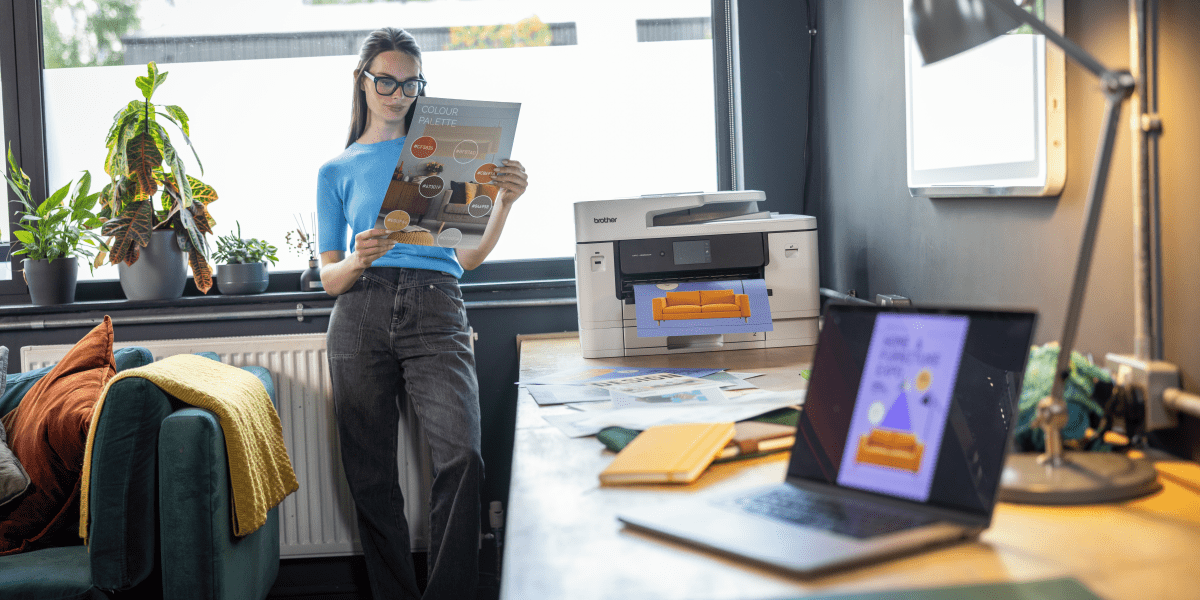
The Brother MFC-J6960DW and MFC-J6975DW are particularly relevant here because both support long length printing up to 1.2m through the multi-purpose tray, making them useful for point-of-purchase signage and more impactful in-house promotional materials. If your team regularly produces brochures, flyers or in-store signage, either model would be a practical fit. For example, a café chain uses long-length prints for seasonal menu boards - printed in the morning, live by lunch.
Are there any compact A3 colour printers available that do not take up too much space in a small office?
Yes and this is one of the biggest reasons many small offices hesitate before moving into A3.
Not every A3 printer has to dominate your workspace. Some models are designed specifically to bring A3 capability into smaller offices without over-investing in size or complexity.
The best example from the Brother range is the MFC-J6560DW. It is designed as a compact A3 multi-function printer for office use, with a space-efficient design that can sit comfortably on a desk or cupboard while still offering:
- A3 scanning via the ADF
- A 250-sheet paper tray
- Mobile, wired and wireless connectivity
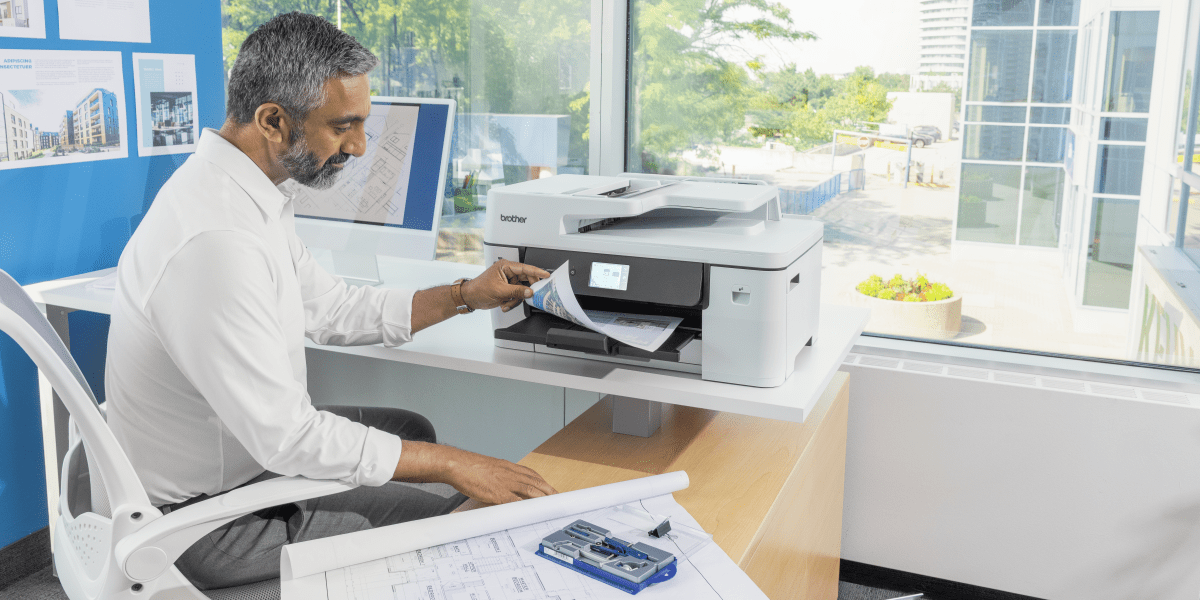
For businesses asking whether there is a good A3 printer that does not overwhelm a small office, the MFC-J6560DW is an easy recommendation. You can even pop this on a bookshelf. Setup will take minutes and you can start printing A3 proofs before you know it.
What are the main advantages of using an A3 colour printer compared to a standard A4 model for business documents?
A standard A4 printer is fine for everyday paperwork, but an A3 colour printer gives you extra versatility when documents need more room.
Main advantages include:
- Larger format for clearer communication
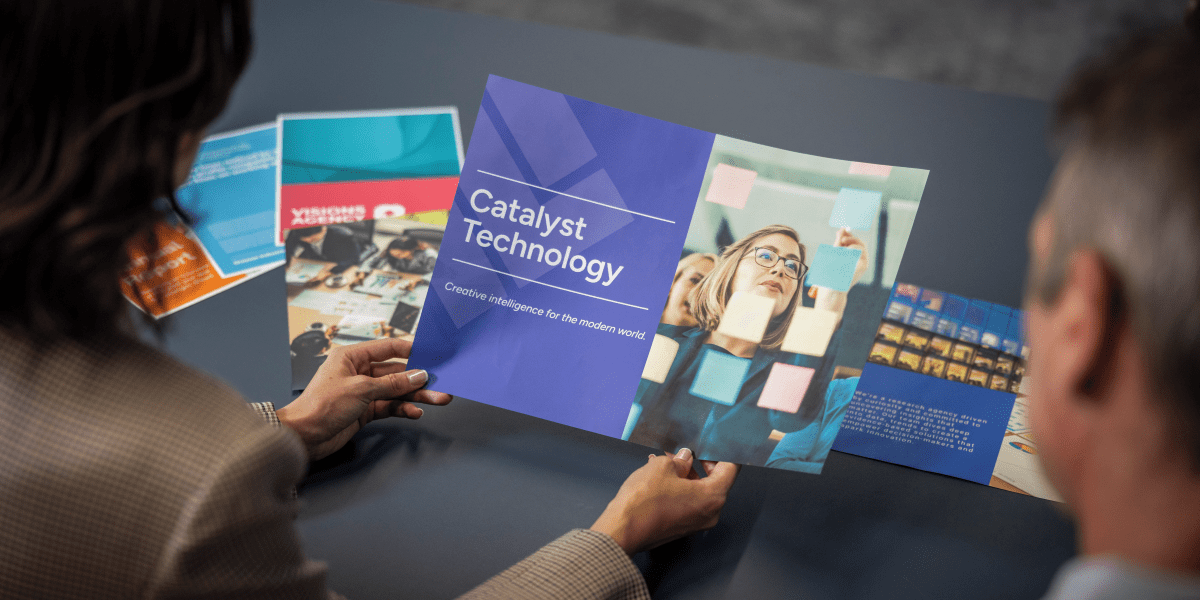
A3 is ideal for spreadsheets, charts, proposals, drawings and layouts that become hard to read when reduced to A4. In workshops, teams naturally gather around A3 prints - everyone can see without passing pages around - More professional marketing output
Flyers, posters and brochures often look more polished and impactful when printed on A3 paper. A real estate office can attract more walk-ins after switching to A3 window listings with bigger, brighter photos - Greater in-house control
You can print time-sensitive materials internally instead of outsourcing them and waiting for turnaround. If a price changes at 9am, you can have updated signage on the wall by 9:15am - Flexible mixed use
Most A3 business printers also handle A4, so one device can often cover both your standard office documents and your larger-format needs. If your business switches regularly between everyday paperwork and larger visual jobs, an A3 multi-function printer gives you far more flexibility than an A4-only model
What are the most energy-efficient A3 colour printers currently on the market?
When people ask about energy efficiency, what they are often really asking is whether an A3 inkjet printer can help reduce power use compared to larger laser devices.
In general, business inkjet technology can offer advantages because it does not require the same kind of fuser warm-up process as laser printing. That can help reduce energy consumption and improve first page out time.
All three recommended Brother models - the MFC-J6560DW, MFC-J6960DW and MFC-J6975DW - are built on inkjet technology and include features that support more efficient operation, such as:
- Fast first print out time from approximately 4.4 seconds
- Automatic 2-sided (duplex) printing up to A3 (except for the MFC-J6560DW)
- High-yield or ultra high-yield cartridges to reduce waste
- Reduced energy demand compared to many laser devices
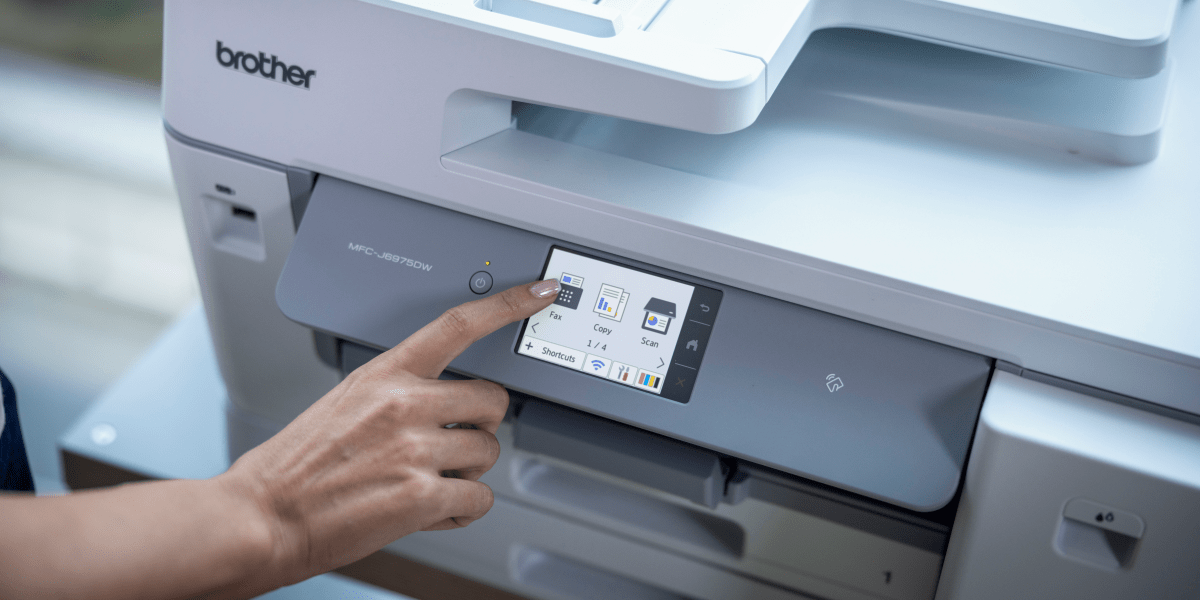
If energy usage is an important consideration for your office, a business-grade A3 inkjet printer is well worth considering. You may notice fewer "please wait - warming up" moments after switching from laser to business inkjet - a small change which can support a more efficient workflow with fewer interruptions.
How much does it cost to print a full-colour A3 page on a typical office printer, including ink and paper?
The cost of printing a full-colour A3 page will vary depending on coverage, paper type, cartridge yield and the printer itself.
As a general rule, A3 printing costs more than A4 because:
- The sheet is larger
- Full-colour coverage often uses more ink
- Heavier or premium stock costs more per sheet
That is why cartridge yield matters. A good A3 printer for business use should not only print well but also help reduce interruptions and keep cost per page manageable.
This is where the Brother INKvestment range becomes especially relevant:
- The MFC-J6560DW and MFC-J6960DW support high-yield and super high-yield cartridges
- The MFC-J6975DW goes further with ultra high-yield cartridges of up to 12,000 mono and 10,000 colour pages

If your team prints regularly, choosing a model with higher yield consumables can make a significant difference to long-term running costs and consistent workflow.
What kind of paper types and weights can an A3 colour printer typically handle for various printing needs?
A capable A3 colour printer should be able to do more than standard office paper. Depending on the model, you may be able to handle:
- Plain office paper
- Presentation stock
- Thicker media
- Envelopes
- Brochure paper
- Promotional media
- Long-length paper for signage
For example:
- The MFC-J6560DW includes a rear manual feed slot for thicker stock and specialty media
- The MFC-J6960DW adds a 100-sheet multi-purpose tray plus rear feed for specialty media and long length printing up to 1.2m
- The MFC-J6975DW also supports thicker stock, specialist media and long-length output for banners and signage
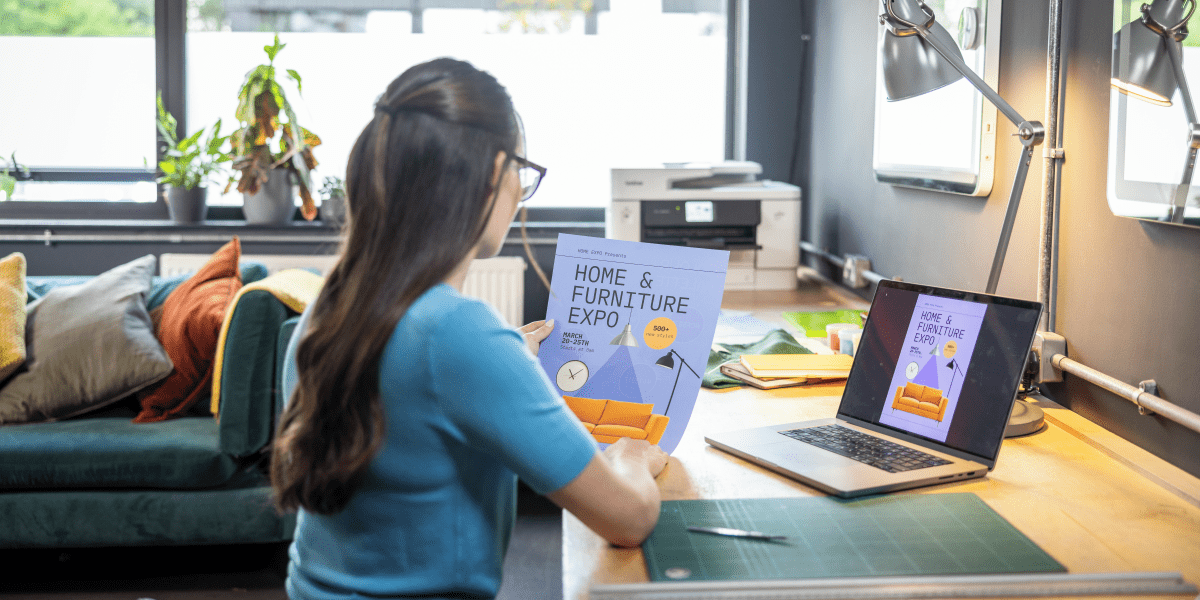
If media flexibility matters to you, especially for promotional jobs, point-of-purchase signage or occasional specialty printing, the MFC-J6960DW and MFC-J6975DW offer stronger capability than a more basic office device. This is especially great for designers who love testing mock-ups on the rear feed. They can print a single heavyweight sheet, check colours and iterate fast.
What features should I look for when choosing an A3 colour printer for a home office environment?
A home office usually needs a slightly different kind of A3 printer than a busy shared office. You may not need the highest capacity, but you do want the printer to be easy to use, flexible and efficient.
Key features to look for include:
- Compact footprint
A device that fits easily into your workspace matters. The MFC-J6560DW is especially strong here. - Multi-function capability
An A3 printer with scanner or A3 multi-function printer helps you print, scan and copy without needing extra devices. - Wireless and mobile printing
Look for support for mobile workflows. Brother’s range includes dual-band Wi-Fi, Wi-Fi Direct, Brother Mobile Connect, Apple AirPrint and Mopria. - Duplex printing
Automatic 2-sided (duplex) printing helps save paper and keeps reports and presentations professional. - Low running costs
High-yield cartridges and ink in-box can help reduce interruptions and improve value over time.
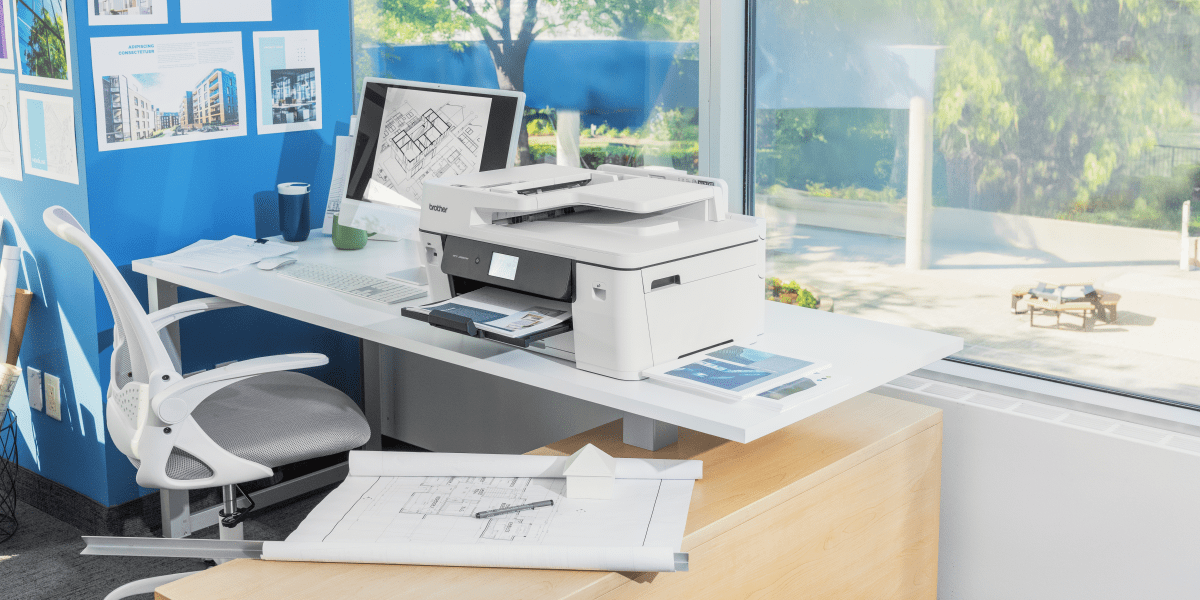
For many home office or small office users, the MFC-J6560DW will be the best fit because it offers the core benefits of A3 business printing in a more compact form.
How do A3 inkjet printer models compare to laser A3 colour printers regarding print quality and running costs?
This is one of the most common questions when comparing the best A3 printer options.
Inkjet advantages
A business-grade A3 inkjet printer often offers:
- Strong colour performance
- Better suitability for images, graphics and marketing materials
- Lower energy usage
- Competitive running costs, especially with high-yield consumables
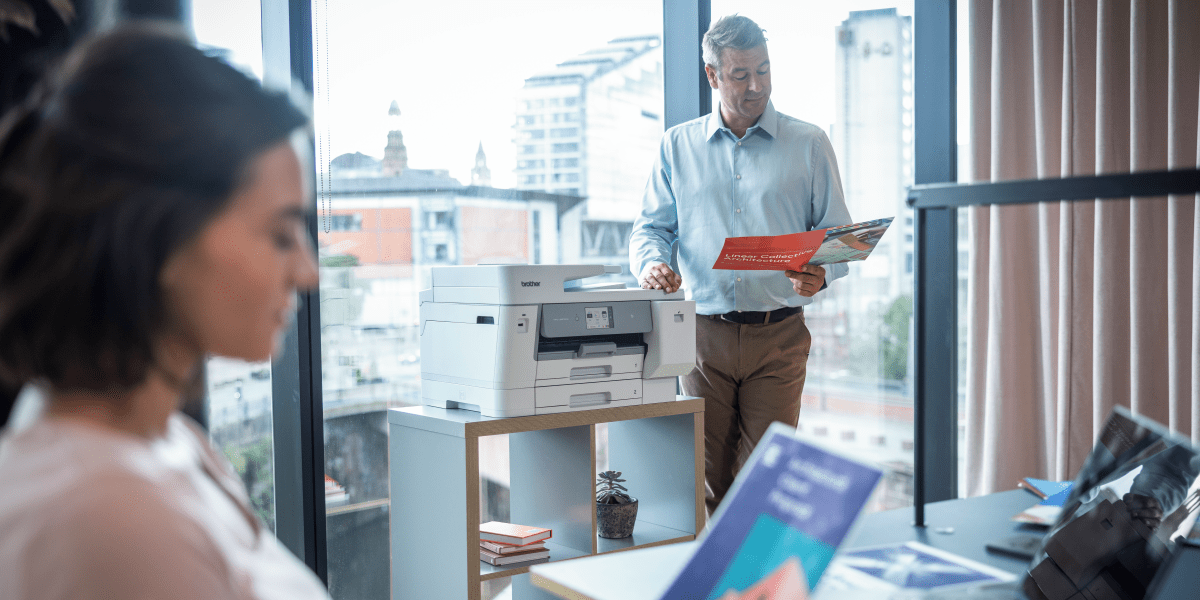
Marketing teams often prefer inkjet printers for smoother gradients and more vibrant brand colours.
Laser advantages
Colour laser printers may appeal if you prioritise:
- High-volume text printing
- Toner-based consistency
- Some heavy-duty office environments
That said, for many Australian businesses printing a mix of reports, proposals, flyers and signage, a modern A3 inkjet printer delivers a strong balance of print quality, speed and efficiency.
The Brother MFC-J6960DW and MFC-J6975DW are particularly good examples of how business inkjet can meet workgroup needs with fast speeds, reliable output and strong consumable efficiency.
What are the security features I should consider when buying an A3 colour printer for a network in a corporate setting?
If you are buying an A3 multi-function printer for a shared office or corporate network, security should be part of the decision-making process.
Key security features to look for include:
- User authentication
- Network authentication support
- Secure document access
- Controlled function access
- Device, network and document-level protection
- Compatibility with managed print environments
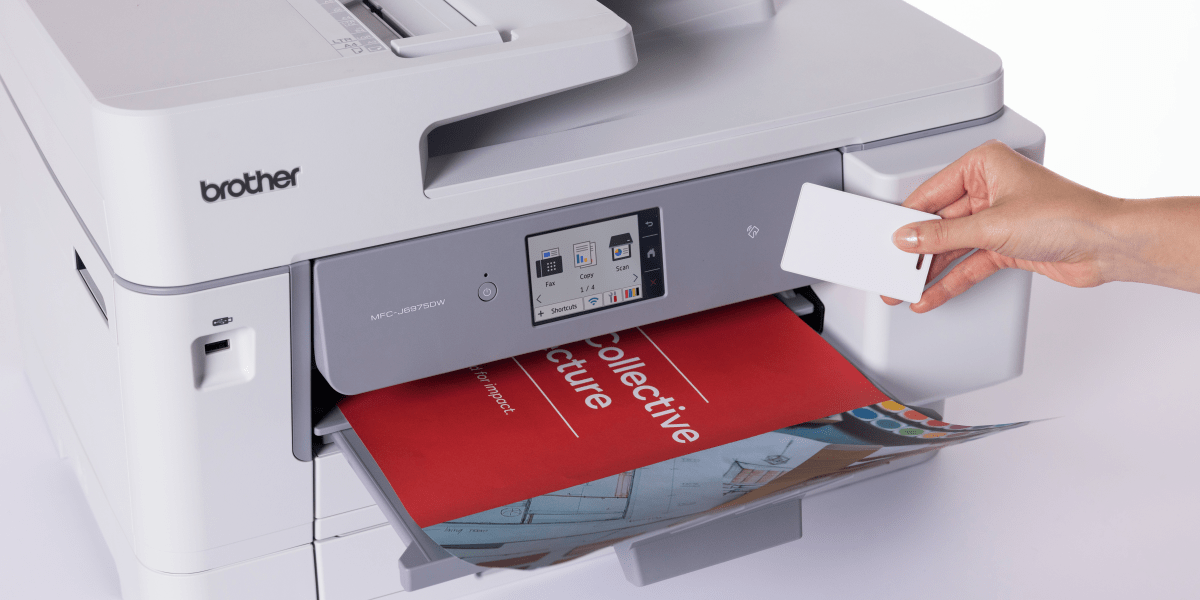
The Brother range includes several relevant options:
- The MFC-J6560DW includes business-ready security features such as Secure Function Lock and network authentication support
- The MFC-J6960DW is built with triple-layer security across device, network and document level
- The MFC-J6975DW adds NFC card authentication support, LDAP integration and PCL support for more secure, managed environments
If security is high on your priority list, the MFC-J6975DW is the strongest recommendation of the three.
What are some A3 colour printer models that are known for their reliability and low maintenance requirements?
A reliable A3 colour printer should offer:
- Durable internal components
- High-capacity paper handling
- Self-maintenance technology
- Efficient consumables
- Strong support and warranty
All three Brother models featured here are designed with these needs in mind.
Brother MFC-J6560DW
Best for small offices that want dependable A3 printing in a compact format. Its durable internal components, rear manual feed, 50-sheet ADF and up to one year of ink in-box make it a practical low-maintenance option for lighter but still professional workloads.
Brother MFC-J6960DW
Best for busy workgroups that need more paper capacity and less intervention. With dual 250-sheet trays, a 100-sheet MP tray, automatic 2-sided (duplex) A3 print and scan, and nozzle check and self-maintenance systems, this is a very strong all-rounder.
Brother MFC-J6975DW
Best for demanding environments that want fewer cartridge changes and more predictable running costs. Its ultra high-yield cartridges, durable components, advanced workflow capability and 2-year warranty make it a premium recommendation for reliability-focused teams.
Choosing the best A3 multi-function printer in Australia
The best A3 printer is not the same for every office.
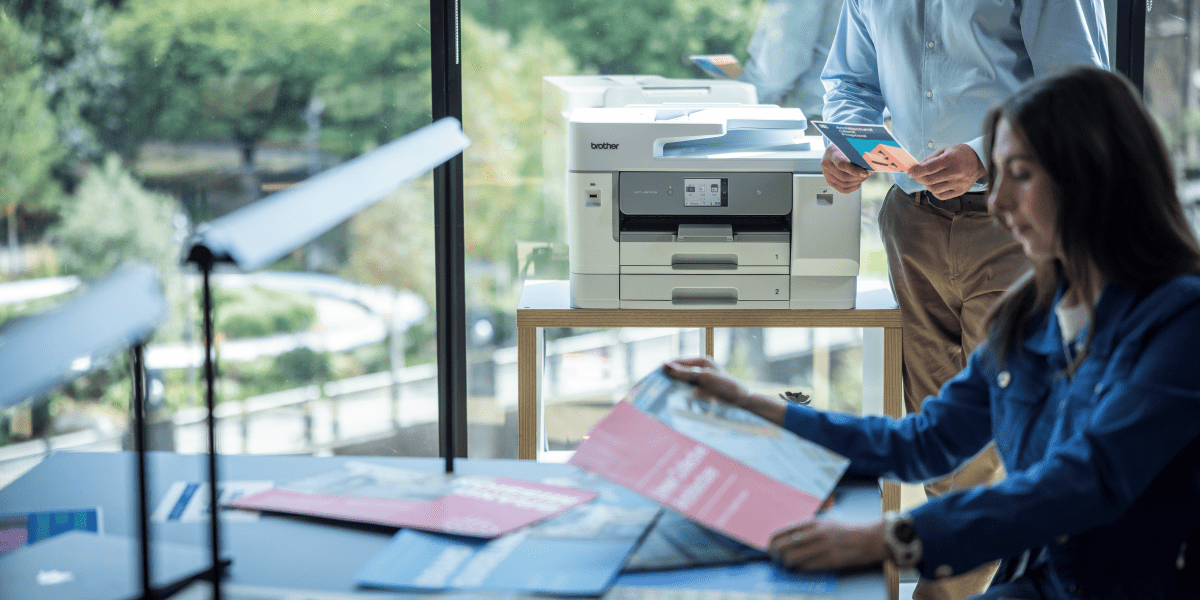
If you want compact A3 capability for a small office, the Brother MFC-J6560DW is an excellent place to start. If you need a versatile, high-capacity A3 inkjet printer for a busy shared team, the MFC-J6960DW is a particularly strong choice. And if your office needs advanced security, ultra high-yield consumables and support for more managed workflows, the MFC-J6975DW is likely the best A3 multi-function printer corporate teams should consider.
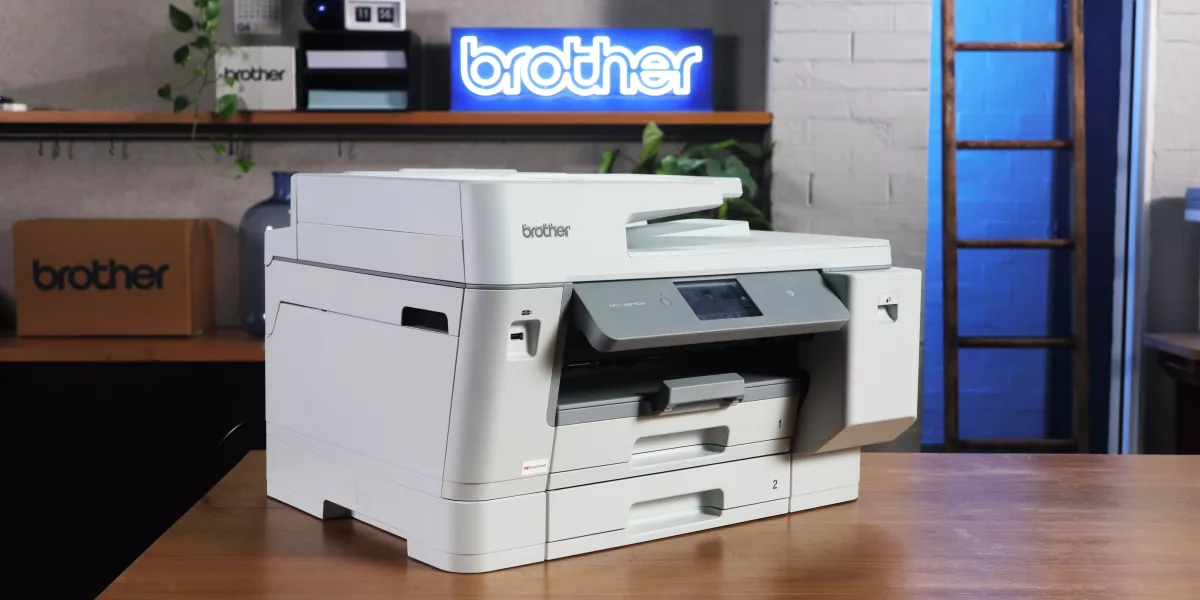
In short:
- Choose the MFC-J6560DW if you want a compact, capable and cost-conscious A3 multi-function printer
- Choose the MFC-J6960DW if you need a productive A3 printer scanner with dual trays and duplex A3 print/scan
- Choose the MFC-J6975DW if you need premium performance, advanced security and ultra low running costs with high-yield ink cartridges
Whether you are printing marketing collateral, spreadsheets, drawings, proposals or everyday business documents, the right A3 colour printer can help you work more efficiently, reduce outsourcing and keep more of your printing in-house.
If you are looking for a good A3 printer that balances productivity, flexibility and long-term value, Brother’s INKvestment Business A3 range offers practical options for a wide variety of Australian business needs.
Got any questions? Feel free to contact us, our team is always happy to help you.
Comments

Choosing a secure printer
Choosing a secure office printer? Compare security features, access controls and Managed Print Services options for small, medium and large businesses.

Best Office Printers
Compare the best office printers from Brother for small teams, busy workgroups and corporate fleets, and learn when Managed Print Services may be a better fit than relying on one device.
What's the Best Printer for Small Business?
Find the best printer for small business. Compare inkjet, laser and A3 printers based on your team, workload and office needs.

Resource Library
Explore our range of eBooks, Whitepapers & Case studies
Be the first to receive ongoing exclusive offers and the latest news on our products and services directly in your inbox!