


Sign In / Sign Up To Add Wishlist
Wishlist is available for members only. Please sign in or sign up to add your wishlist.
Custom Banner Printing: DIY Guide

If you’ve ever needed a “SALE” sign by this afternoon, a last-minute event banner or a cleaner-looking noticeboard at work, you’ll know the scramble. But you don’t have to rely on a print shop or wait on a supplier to create bold, attention-grabbing signage. Custom banner printing right at your workspace makes it easier to move fast, stay on-brand and keep costs predictable - all without sacrificing quality.
That’s where having the right tools makes all the difference. With a long banner printer like the Brother MFC-J6959DW A3 Roll Printer, you can design and print sharp, professional-looking banners in-house, exactly when you need them. Its ability to print long, borderless banners on demand means you can handle signage right where your work happens, without the usual delays or compromises.
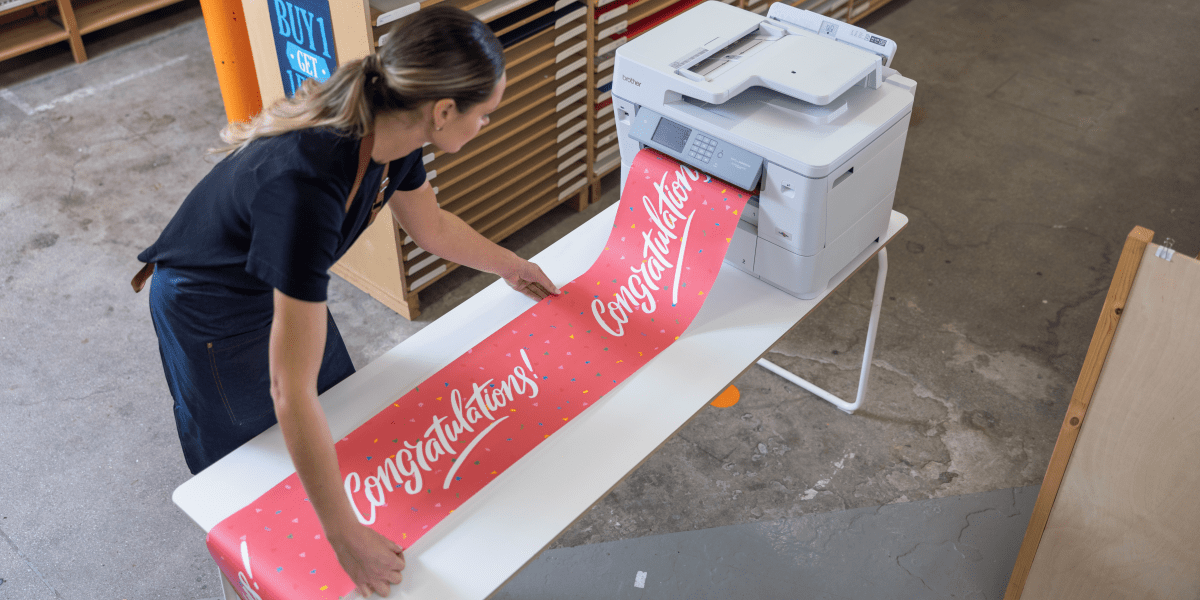
In this guide, we’ll cover everything you need to know: how to create a banner from scratch, how to set up your files for borderless banner printing and the benefits of using a long banner printer.
Why Businesses are Switching to DIY Banner Printing
For many businesses, in-house banner printing is becoming a smarter, more flexible alternative to outsourcing. With printers like the Brother MFC-J6959DW, teams can take full control of their marketing and communications to reduce turnaround times and cut costs in the process of driving retail sales with quick and effective signage.
It’s especially useful when messaging changes often: promotions end, prices update, dates shift, stock sells out, and suddenly you need new signage straight away. Instead of re-briefing a supplier, waiting on proofs or settling for something “good enough”, you can update your file and print what you need on the spot.

Here’s what you can create with the MFC-J6959DW:
- Borderless banner signs up to 2.7m
Print long, seamless banners for retail promotions, in-store displays, pop-up booths or event backdrops. These high-impact visuals are perfect for grabbing attention and communicating key messages. - Marketing posters, menus, and directional signage
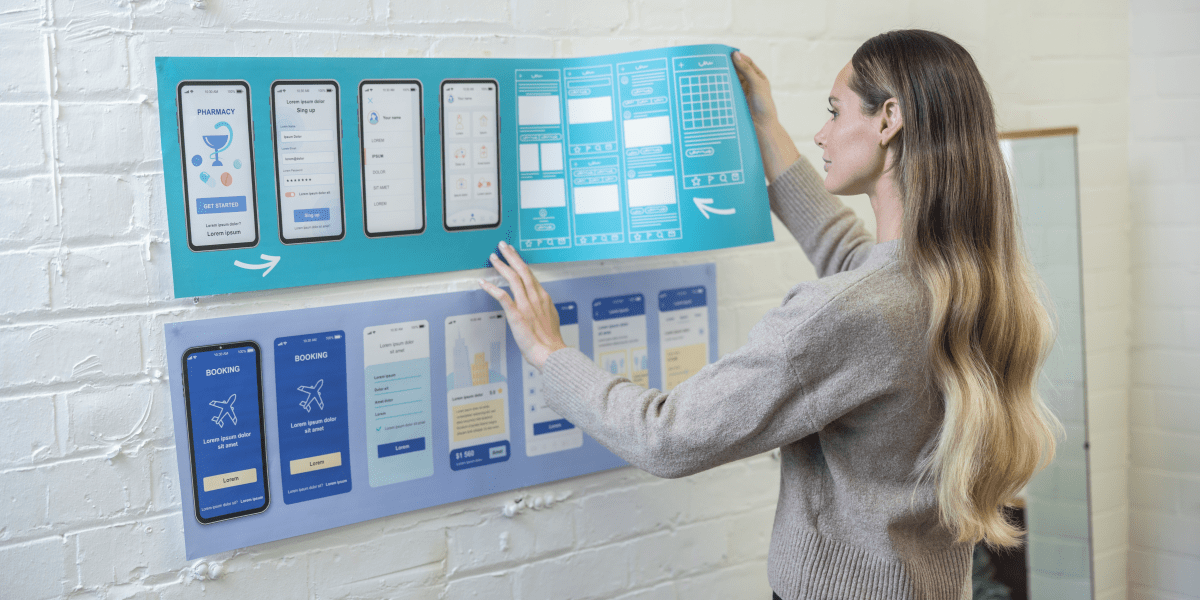
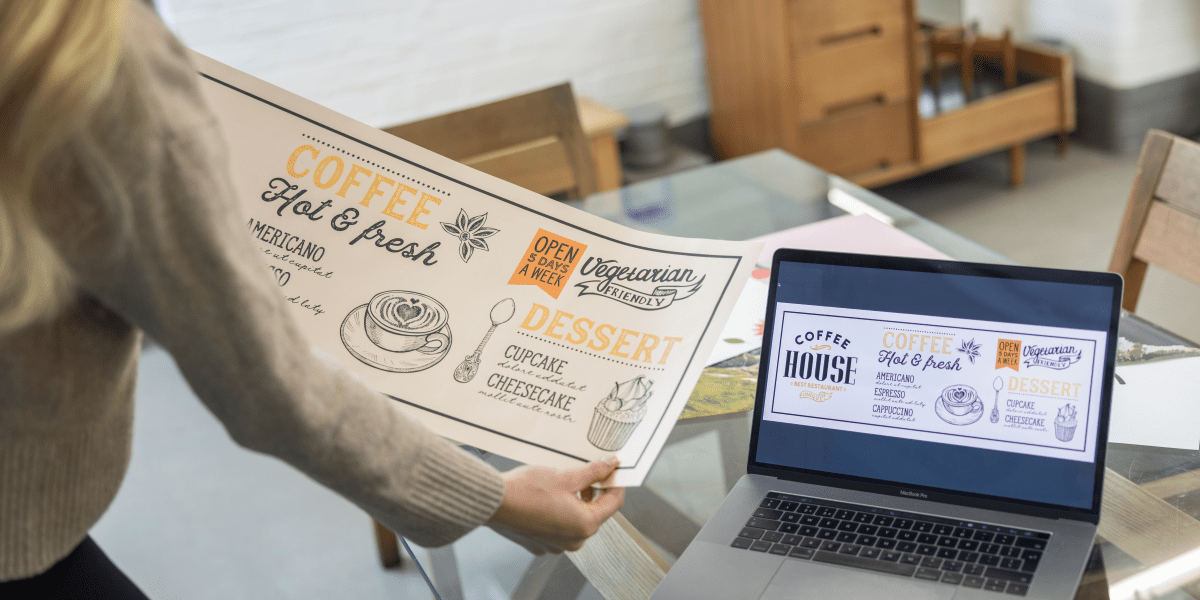
Whether you manage a café, restaurant or retail store, you can produce your own seasonal menus, limited-time offers, wayfinding signs or branded wall posters - all without waiting on an external supplier. - Internal communications and workplace displays
Keep your team informed with HR updates, safety messages, milestone celebrations or training materials printed in a large format that's easy to read. - Long documents, A3 plans, and panoramic mood boards
Ideal for creative studios, architects or project teams who need to print wide layouts, concept boards or design plans without scaling down or splitting across pages.
Once you know what’s possible, the next question is how you print banners that actually look professional without seams, trimming errors or awkward workarounds.
The Advantages of a Long Banner Printer for Roll Printing
Standard printers aren’t built to handle banners - most can only print on A4 or A3 sheets. And if you’ve ever taped pages together (and then tried to line them up neatly), you already know the pain. It works in a pinch but it rarely looks polished and professional.
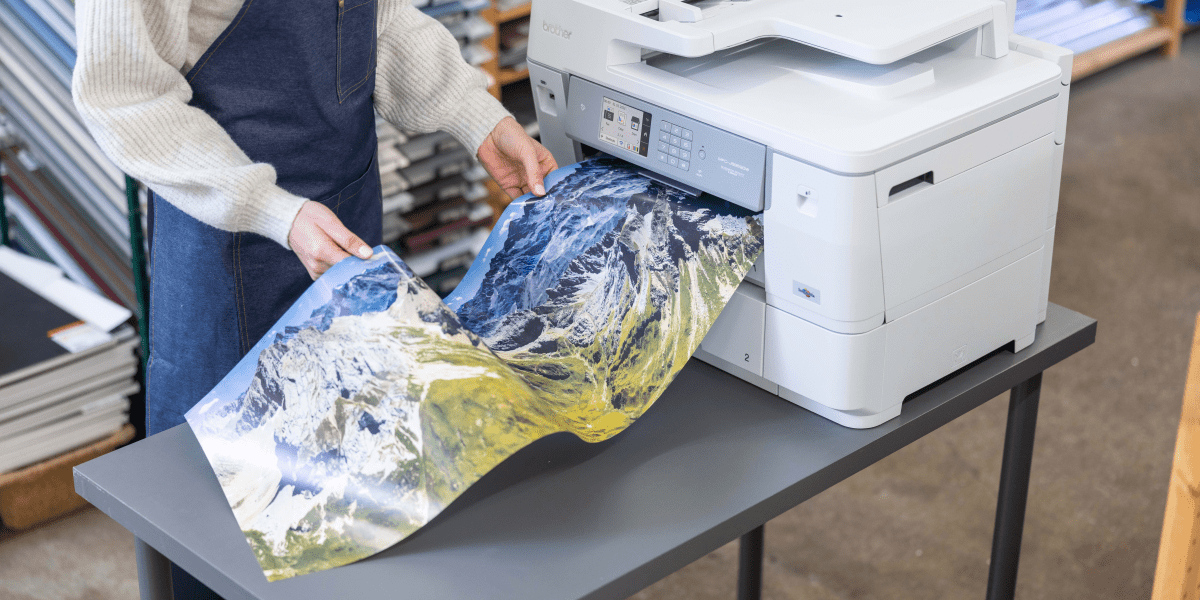
A long banner printer, like the Brother MFC-J6959DW, changes the game by enabling roll-fed banner print jobs up to 2.7m long. Here’s why the Brother MFC-J6959DW makes custom banner printing easy for businesses:
- No seams: Print one continuous banner instead of taping sheets together
- Custom lengths up to 2.7m: Print exactly what you need - from short directional signs to long promotional banners. It can automatically cut to the precise length after printing, saving time and eliminating trimming errors
- Borderless printing: Roll printers make it easier to print edge-to-edge without cropping key visuals
- Professional results: Achieve print-shop quality from your office or workspace
For businesses that frequently produce signage, roll printing isn’t just convenient - it’s a great investment. It means fewer “we’ll have to order it” moments and more “we can have it up in 10 minutes” wins.
With the print method sorted, the next step is setting up your banner properly - because a clean print starts with a clean file.
How to Make a Banner: Design and Templates
So, how do you make a banner that looks sharp and fits your space? It all starts with knowing where it’ll live and using the right design tools.

Choose the Right Dimensions
Before you open your design software, determine the size of the banner. Common banner dimensions include:
- 297mm × 2700mm (A3 width and maximum roll length supported by printers like the Brother MFC-J6959DW)
- 760 × 1830 mm
- 1220 × 2440 mm
When working with the Brother MFC-J6959DW, the width is fixed (297mm/A3 width), while the length is flexible. This flexibility is perfect when you’re working around a window, a counter front, an aisle end or a wall with “awkward” measurements. Just make sure to set your file’s aspect ratio accordingly so your design stays crisp and proportional.
How to Make a Banner Template
A banner template ensures your layout is optimised for custom banner printing. In design software like Adobe Illustrator, Canva or even Microsoft Publisher:
- Set the exact dimensions to match your intended banner size (for example, 297mm × 1200mm)
- Use CMYK colour mode for print work so colours translate more predictably from screen to paper
- Add at least 5 mm of bleed if your banner will be trimmed, to reduce the risk of white edges from minor cutting variation
- Leave a safe zone for grommets/eyelets if the banner will be hung, so key text or logos don’t end up under hardware
Need quick results? Search for “banner template” in your design software’s template library. You can often customise pre-built layouts in minutes - handy when you’re making multiple versions (prices, dates, locations, etc.) and need to keep everything consistent.
Design Tips
- Keep text large and high contrast (aim for something readable from a few metres away)
- Use high-resolution images (300dpi minimum)
- Maintain consistent branding with your logo and colour palette
- Give your key message room to breathe - banners work best when they’re simple, bold and instantly understood
With a clear design, you’re ready to move to the printing stage.
How to Print Borderless Banners
Borderless printing gives your banners that polished, full-bleed look. This technique allows ink to reach all edges of the paper, removing the white margins common with standard print jobs. It’s essential for banners where every millimetre matters, especially in visual marketing.
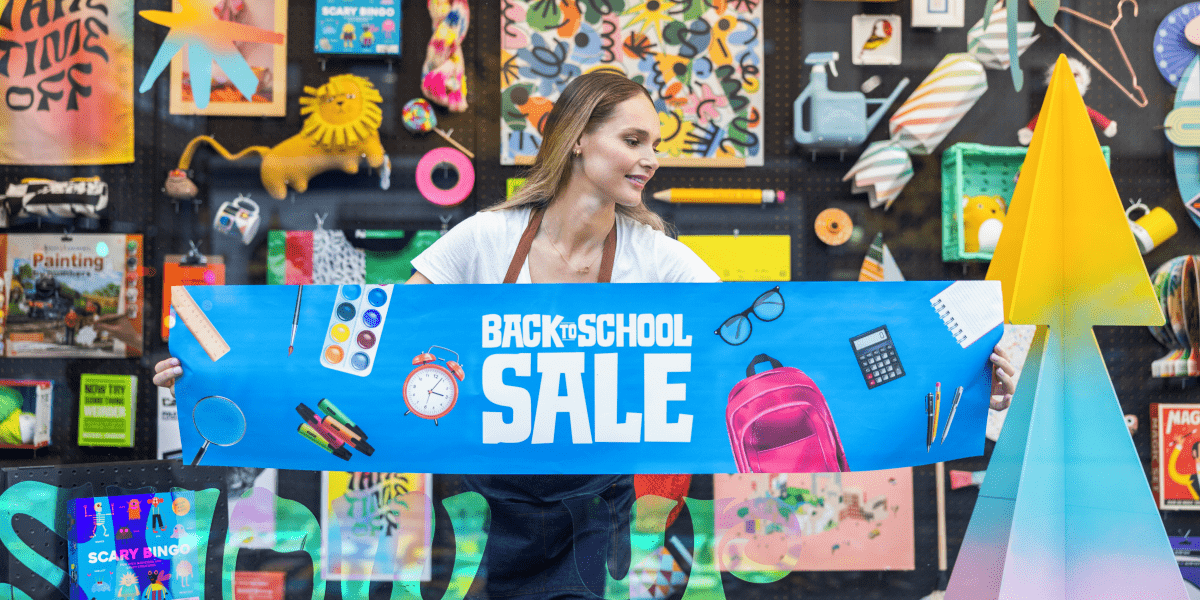
How to Print Borderless PDFs or Designs
- Choose your printer: Ensure you’re using a model that supports borderless banner printing, such as the Brother MFC-J6959DW
- Open your file: Borderless settings work best with PDFs or print-ready files
- Printer settings: In the Brother MFC-J6959DW’s Print settings, select “Borderless”
- Adjust media settings: Choose the correct paper type (e.g., Brother roll paper) and size. For longer designs, select “Custom Size” and enter your banner’s dimensions
Borderless printing makes your banners look like they came from a professional print shop, even though you made them right from your desk or office.
Custom Banner Printing Made Easy with Brother
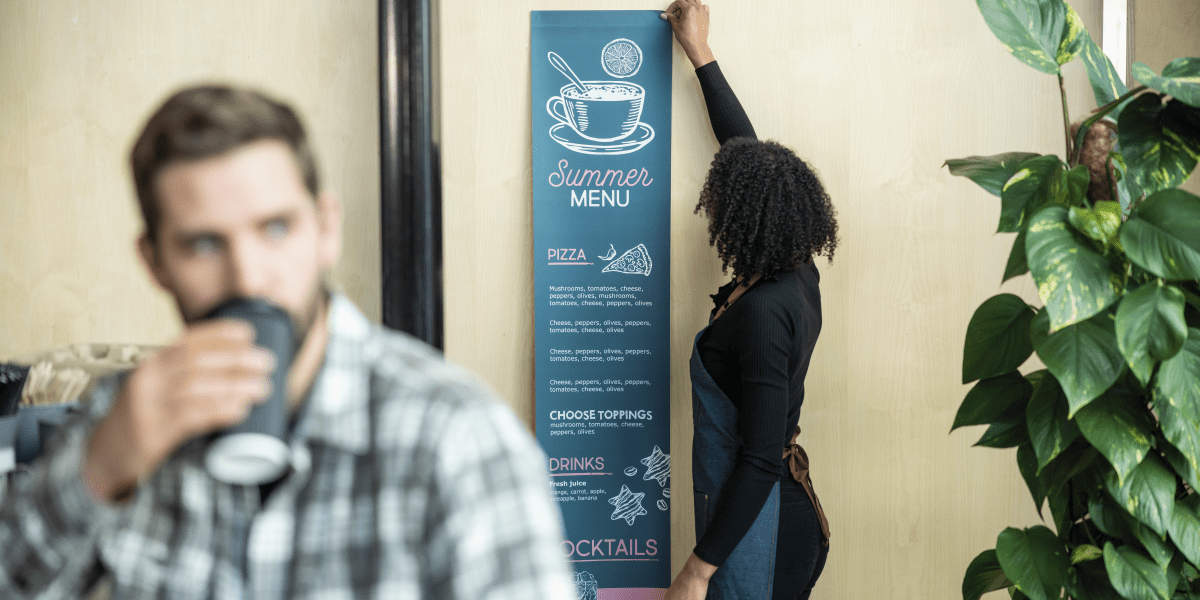
DIY banner printing no longer requires a trip to a professional print shop. With innovative printers like the Brother MFC-J6959DW A3 Roll Printer, creating long, borderless, high-quality banners is easier and more affordable than ever.
Empower your team, elevate your marketing and streamline your signage needs - all with one compact device.
Got any questions? Feel free to contact us, our team is always happy to help you.
Comments

Choosing a secure printer
Choosing a secure office printer? Compare security features, access controls and Managed Print Services options for small, medium and large businesses.

Best Office Printers
Compare the best office printers from Brother for small teams, busy workgroups and corporate fleets, and learn when Managed Print Services may be a better fit than relying on one device.

What's the Best Printer for Small Business?
Find the best printer for small business. Compare inkjet, laser and A3 printers based on your team, workload and office needs.

Resource Library
Explore our range of eBooks, Whitepapers & Case studies
Be the first to receive ongoing exclusive offers and the latest news on our products and services directly in your inbox!