


Sign In / Sign Up To Add Wishlist
Wishlist is available for members only. Please sign in or sign up to add your wishlist.
WFH Setup for Winter: Stay Warm, Efficient & Organised
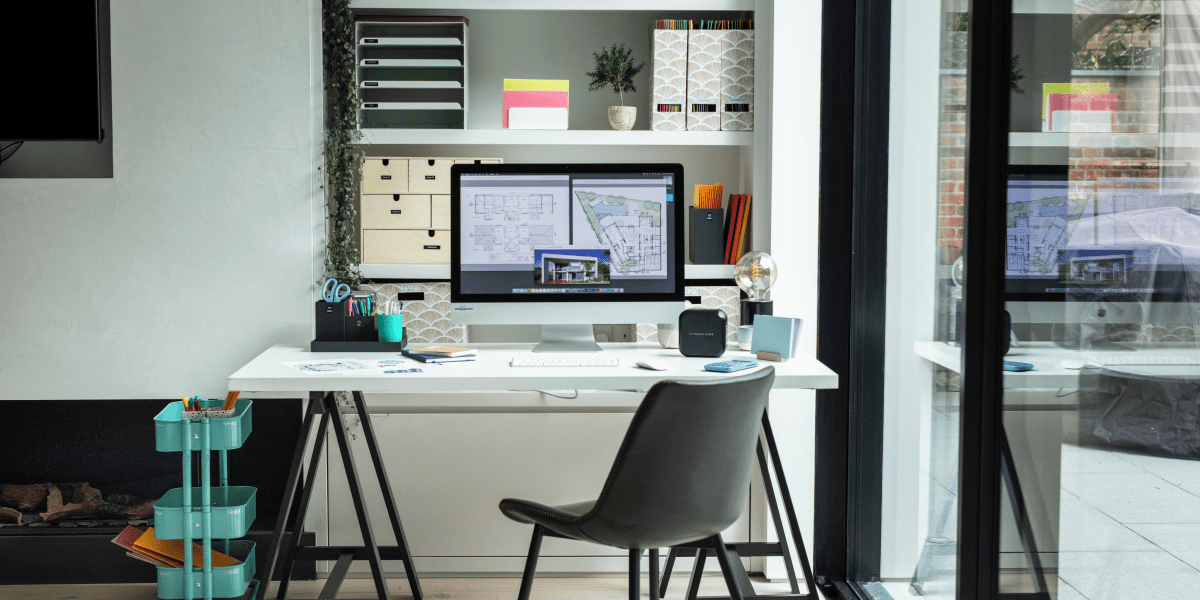
There’s something about working from home in winter that makes even the simplest parts of the day feel that little bit harder. The alarm goes off while it’s still dark, the floor feels cold before your first step, and your desk - the same desk that felt perfectly fine in summer - suddenly starts to feel a bit less inviting.
That's where a thoughtful winter WFH setup can make all the difference. Not the kind that requires a full home office makeover or a shopping list as long as your arm! Just a few practical tweaks that help your space feel warmer, brighter and easier to work in.
Safe Work Australia also notes that work health and safety duties still apply when people work from home, which makes a safe, comfortable workspace more than a nice-to-have. With a few smart adjustments, your home office can become the kind of place you actually want to settle into on a cold morning - coffee in hand, slippers firmly on and everything you need within reach.
Feel free to browse the key topics below to quickly find what you need:
- The Core Elements of a Winter Work from Home Setup
- Upgrading Your Desk for Darker Mornings and Shorter Days
- How to Maintain Warmth and Comfort at Your Desk
- Essential Gear for a Seamless Winter Workflow
- Creating a WFH Setup that Supports Focus
The Core Elements of a Winter Work from Home Setup
A good remote work setup for winter needs to do more than look tidy in the background of a video call. It needs to keep you comfortable enough to focus, warm enough that you don’t abandon your desk for the couch by 10:30am and organised enough that you’re not constantly getting up to find a charger, notebook or the one pen you swear was right there a second ago!
When you’re cold, your body uses extra energy to maintain its core temperature, which can leave you feeling fatigued and distracted. At the same time, shorter days and limited natural light can affect your mood and disrupt your natural sleep cycles.
So, before you blame yourself for feeling a little slower on a grey morning, it’s worth looking at your surroundings. Is your lighting doing you any favours? Are your feet freezing under the desk? Are some of your work essentials in another room, quietly encouraging you to avoid that admin task for another day?
To build an effective WFH setup for winter, focus on three main areas: thermal comfort, lighting and atmosphere and workflow efficiency.
Upgrading Your Desk for Darker Mornings and Shorter Days
One of the biggest challenges of a winter work from home routine is dealing with the lack of light. Dark mornings can make a workday feel like it’s started before you have. You open the laptop, check the calendar and wonder whether it’s too early to call your second coffee “essential equipment”.
Start with a Warm Desk Lamp for Dark Mornings
Relying solely on overhead room lighting can cause eye strain, especially when you’re staring at a bright monitor in an otherwise dim room. Comcare recommends checking that lighting levels are suitable for the activity and sufficient for visual tasks to be completed without eye strain.
The answer? A warm desk lamp! It’s a simple upgrade, but one that can completely change how your desk feels on a grey morning. Unlike harsh, cool-toned lighting that can make a room feel a bit clinical, a lamp with adjustable warmth settings can help create a softer, more natural feel at your desk.
Position it so it lights up your workspace without shining directly onto your screen. Your eyes will thank you - especially during those early morning meetings where everyone is pretending to be more awake than they are.

Maximising Natural Light
Even with an excellent desk lamp, you should make the most of whatever natural light is available. If possible, position your desk near a window to capture the midday sun. Natural light provides vital vitamin D and helps regulate your circadian rhythm, crucial for maintaining your energy levels and mental health during the darker months.
Is moving your desk not an option? No problem! Even something as simple as throwing the blinds open each morning can help your brain get the memo that the workday has officially begun.
How to Maintain Warmth and Comfort at Your Desk
Staying warm is obviously the main goal of any winter WFH setup but heating an entire house just for one room can send your energy bill climbing faster than your desire to crawl back under a blanket. In Australia, heating and cooling can account for 20% to 50% of household energy use, depending on the climate zone.
The trick is to make the space you’re using feel comfortable, without trying to turn the whole house into a tropical holiday destination.
Keep the Heat with a Thermal Mug
First order of business: protect the coffee!
There are few winter workday disappointments quite like reaching for your coffee, only to discover it went cold sometime between your first email and your second meeting.
Investing in a high-quality thermal mug is a small upgrade that makes a significant difference. A thermal mug keeps your coffee warm for hours, meaning you spend less time getting up to use the microwave or kettle, and more time enjoying a comforting, hot drink while you work.
Cosy Slippers for All-Day Comfort
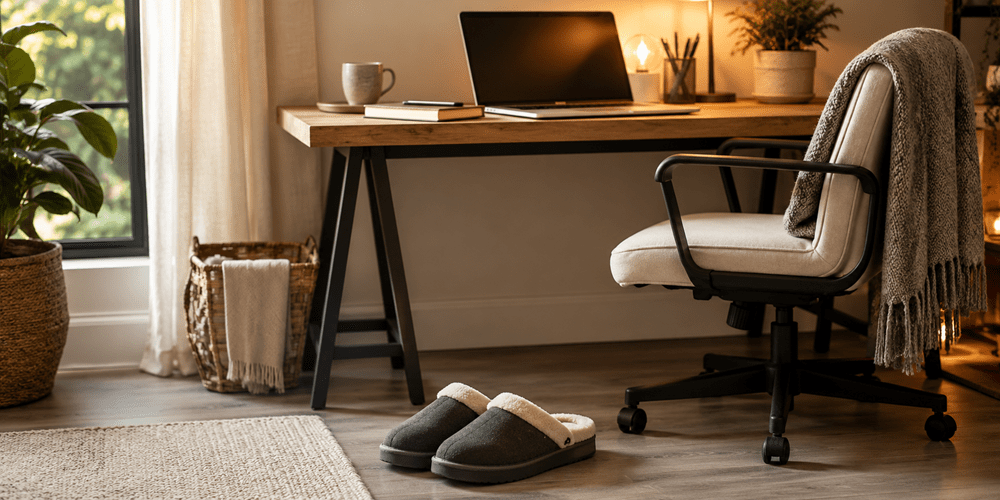
Yes, a dedicated pair of cosy slippers count as part of your winter WFH setup. It might not sound like essential office equipment, but anyone who has spent a winter day working above cold tiles or floorboards may respectfully disagree.
Look for options with a solid sole for proper foot support and a warm inner lining. Energy.gov.au recommends only heating or cooling the rooms you’re using and keeping winter thermostats between 18°C and 20°C, making personal comfort upgrades a practical complement to efficient home heating.
Warm feet, sensible heating and fewer trips to adjust the thermostat? That’s a winter work from home win!
Essential Gear for a Seamless Winter Workflow
Once you’ve finally created a warm, comfortable home office, the last thing you want to do is keep leaving it. Especially not for those small-but-necessary admin jobs that always seem to appear right when you’ve settled in properly.
The quick fix? Keeping the essential work tools close!
A Compact Multi-Function Printer
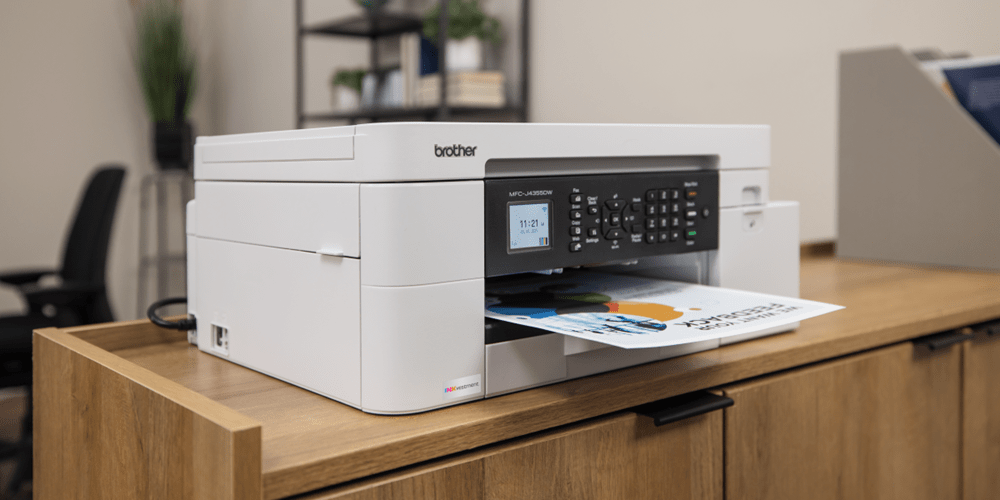
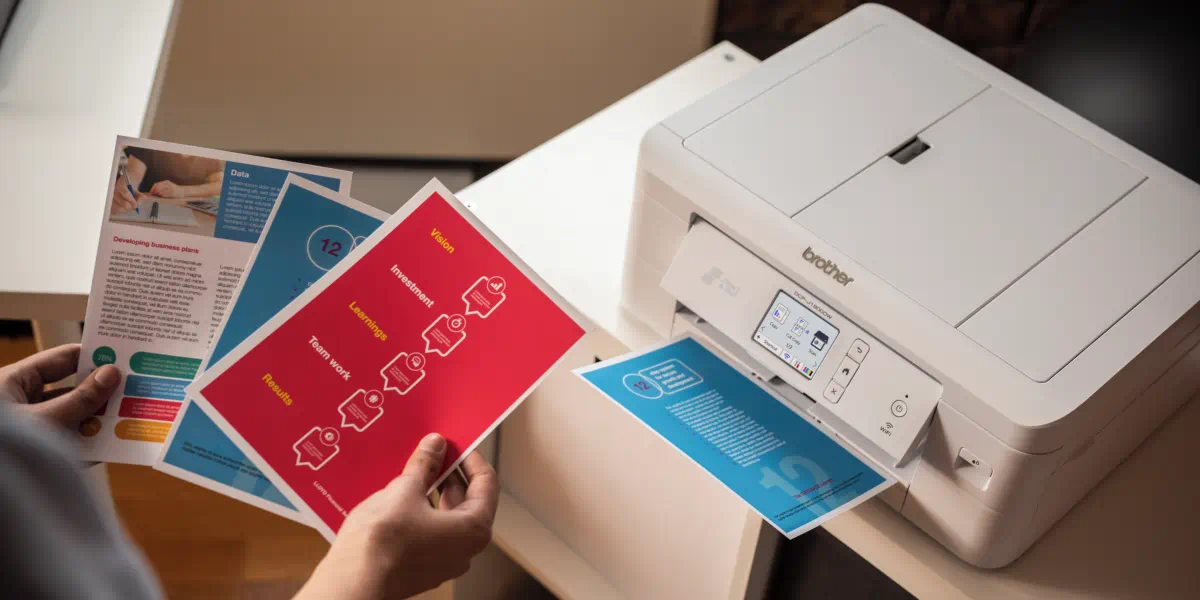
Printing, scanning and copying shouldn't require a trip to a commercial print shop in the freezing rain, nor should it force you to leave your comfortable home office space. For those everyday work moments - printing contracts, scanning receipts, copying forms, reviewing reports - a compact multi-function printer can take a surprising amount of friction out of the day.
Adding a reliable, compact multi-function printer like the Brother MFC-J4355DW (if you print mostly in colour) or the Brother MFC-L2820DW (if you print mostly in black and white) to your desk setup means you can get things done efficiently.
The right printer doesn’t need to dominate the room. It just needs to sit neatly nearby, connect easily via Wi-Fi and be ready when you need it - no drama, no detour, no “I’ll do it later” pile forming on the side of your desk.
Brother’s range of printers includes compact home printers, small office printers and versatile all-in-one printers with scanning, copying and fax capabilities.
A Label Printer for an Organised Desk
Clutter has a sneaky way of making your workspace feel more stressful than it needs to be. One minute it’s just a few loose cables and mystery papers, the next your desk looks like it’s quietly given up. Winter is an excellent time to focus on getting your workspace properly organised.
A label printer like the Brother PT-P710BT or the Brother PT-D210 is a remarkably practical tool for an organised desk.
Use it to clearly identify filing folders, storage boxes and even the tangle of power cords beneath your desk. There is absolutely no reason anyone should have to play “guess the charger” under a desk in July or sifting through a mystery pile of envelopes! When everything has a clearly labelled home, you spend less time searching and more time getting on with the actual work.
Brother offers handheld, desktop and thermal labellers for home, school and office use, including a wide selection of options for durable laminated labels and larger shipping labels. A few labels now can save a lot of rummaging later!
Watch the video below to see how our easy-to-use label printers provide versatile labelling solutions suited for home and office use.
Creating a WFH Setup that Supports Focus
The atmosphere of your room plays a significant role in how you feel and perform during the day. In winter, when you’re spending more hours indoors with the windows closed, the environment can quickly feel stale or isolating.
It’s the kind of thing you might not notice straight away. Then suddenly it’s mid-afternoon, your concentration has wandered off somewhere and the room feels like it could use a reset.
Bluetooth Speaker for Background Focus Music
Too quiet? Add a little background sound.
Silence can sometimes be deafening, especially when you’re working alone at home. A compact Bluetooth speaker is a great addition to your desk space.
Playing background focus music such as instrumental tracks, ambient soundscapes, or lo-fi beats can mask distracting household noises and help you settle into a state of deep work. Keep the volume at a moderate level so it enhances your concentration rather than pulling your attention away from your tasks. The trick is to choose something that helps your brain settle in, not something that turns your desk into a one-person karaoke session (unless that's something that helps keep you productive).
Helpful background noise: yes. Accidental concert: maybe after work!
Managing Air Quality
Fresh air is easy to forget about in winter. When it’s freezing outside, we naturally keep windows and doors tightly shut. While this keeps the warm air in, it also traps stale air. YourHome notes that poor indoor air quality can contribute to symptoms such as headaches, tiredness and lethargy, and that ventilation plays a role in removing pollutants from indoors.
Try cracking a window for five to ten minutes during the warmest part of the day. Yes, even in winter! A quick burst of fresh air can help the room feel lighter, clearer and less like you’ve been sitting in the same pocket of air since breakfast.
Bring Your Winter WFH Setup Together
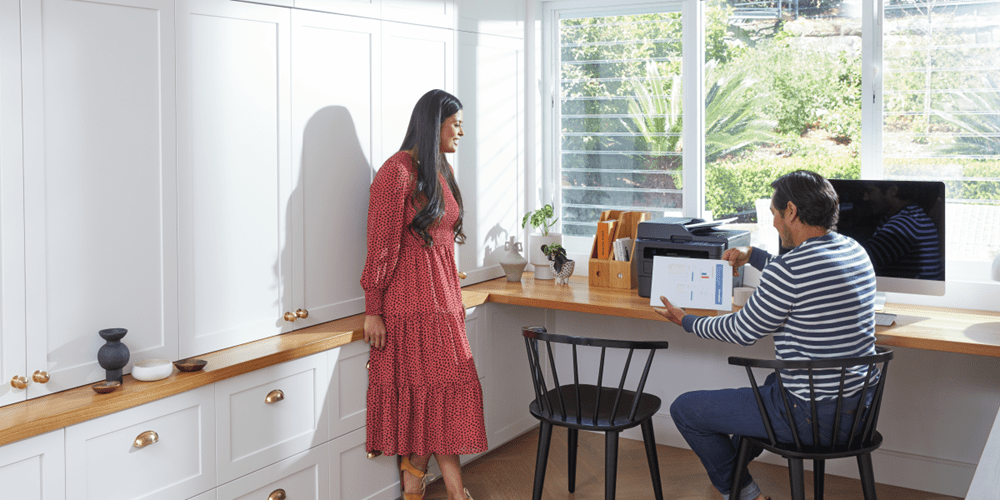
A comfortable winter workspace at home isn’t built in one big, dramatic makeover. It’s built through the small things: warmer light, a better mug, slippers that do their job properly, fresh air when you need it and tools that help you stay organised without pulling you out of your flow.
Warm light. Hot coffee. Organised cords. A printer that’s ready when you are and for the moments that matter. It’s not complicated but it does make a difference!
Brother’s home office printers and label makers are designed to support the practical side of that setup, helping you create a WFH office space that feels organised, efficient and easier to work in every day.
Explore our range of printers and labellers and create a winter-ready WFH setup that helps you stay warm, organised and ready for whatever the workday brings!
Comments

Work From Home Tax Deductions: What Can You Claim?
Understand working from home expenses, ATO deduction methods, home office equipment claims and how to keep the right tax records.
How to print A5 more cost effectively using an A4 printer
Learn how to print A5 on an A4 printer using standard A4 paper and the Brother Print & Cut. Get tips for neat A5 single sheets and faster finishing.

Finding the best printer for home use
Discover the best home office printers in Australia. Compare top Brother home printer models for families, students, remote work and budget-friendly printing.

Resource Library
Explore our range of eBooks, Whitepapers & Case studies
Be the first to receive ongoing exclusive offers and the latest news on our products and services directly in your inbox!