


Sign In / Sign Up To Add Wishlist
Wishlist is available for members only. Please sign in or sign up to add your wishlist.

Create durable labels from your phone,
right where the job happens

Label on the spot
Create and print labels where you install, test or terminate. No waiting on pre-printed stock and no second trip just to finish the job.

Work faster with templates
Start with ready-made formats for common electrical and datacom applications, so labels are easier to set up and more consistent across the job.

Adjust to fit the job
Change spacing, size, text, symbols, barcodes, QR codes and logos with just a few taps, then preview before you print.
Download the app and explore how it works


Available on Android and iOS.
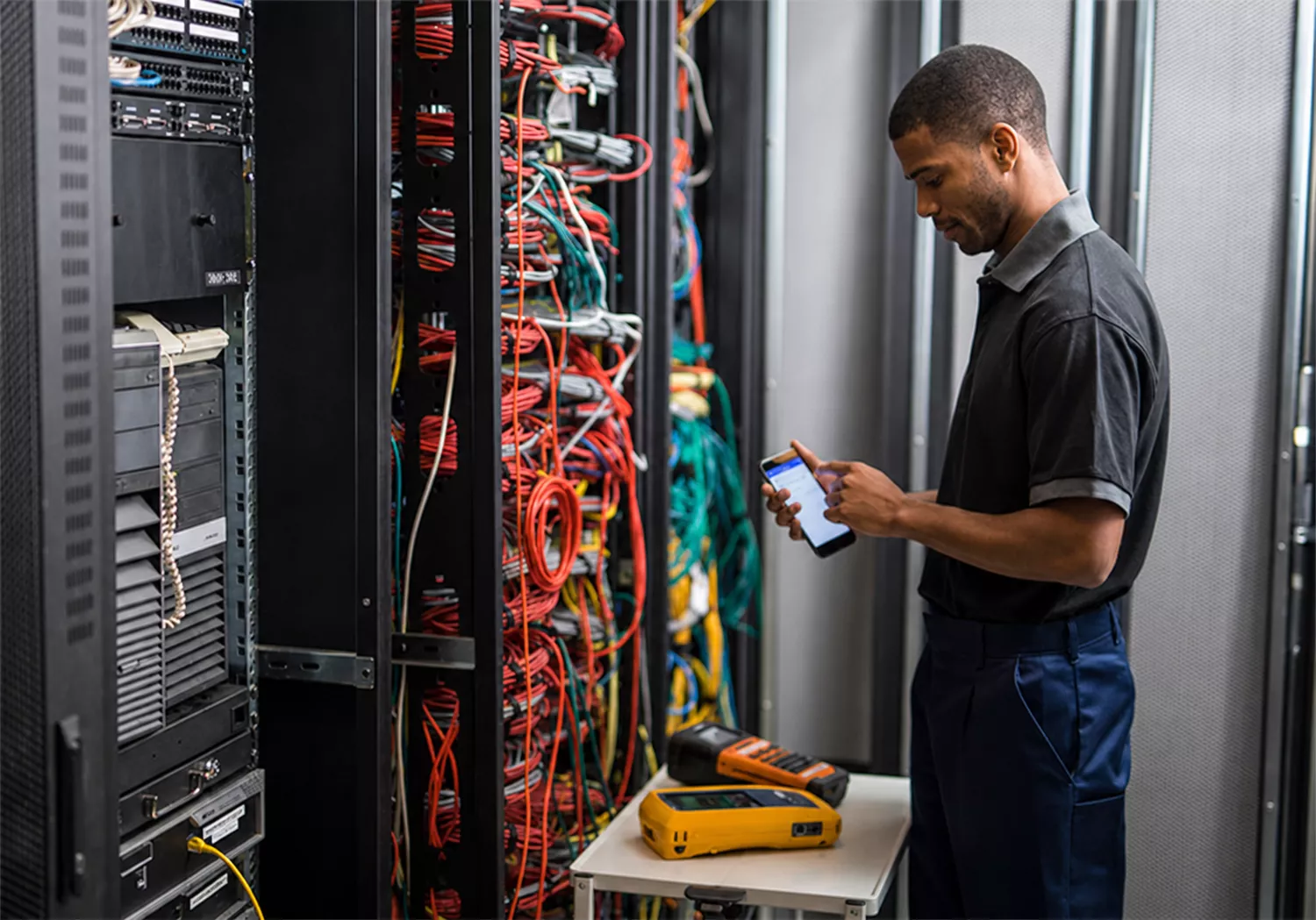
Built for professional labelling on-site
Whether you are identifying cables, patch panels, faceplates, racks, cabinets, switchboards or warning signage, the Brother Pro Label Tool app helps you produce clear, durable labels without slowing the job down.
- Easy-to-use mobile design and print workflow
- Print preview to help reduce mistakes
- On-demand labels for fast-changing job conditions
- Convenient access to print logs and saved templates

Ready-made templates when speed matters
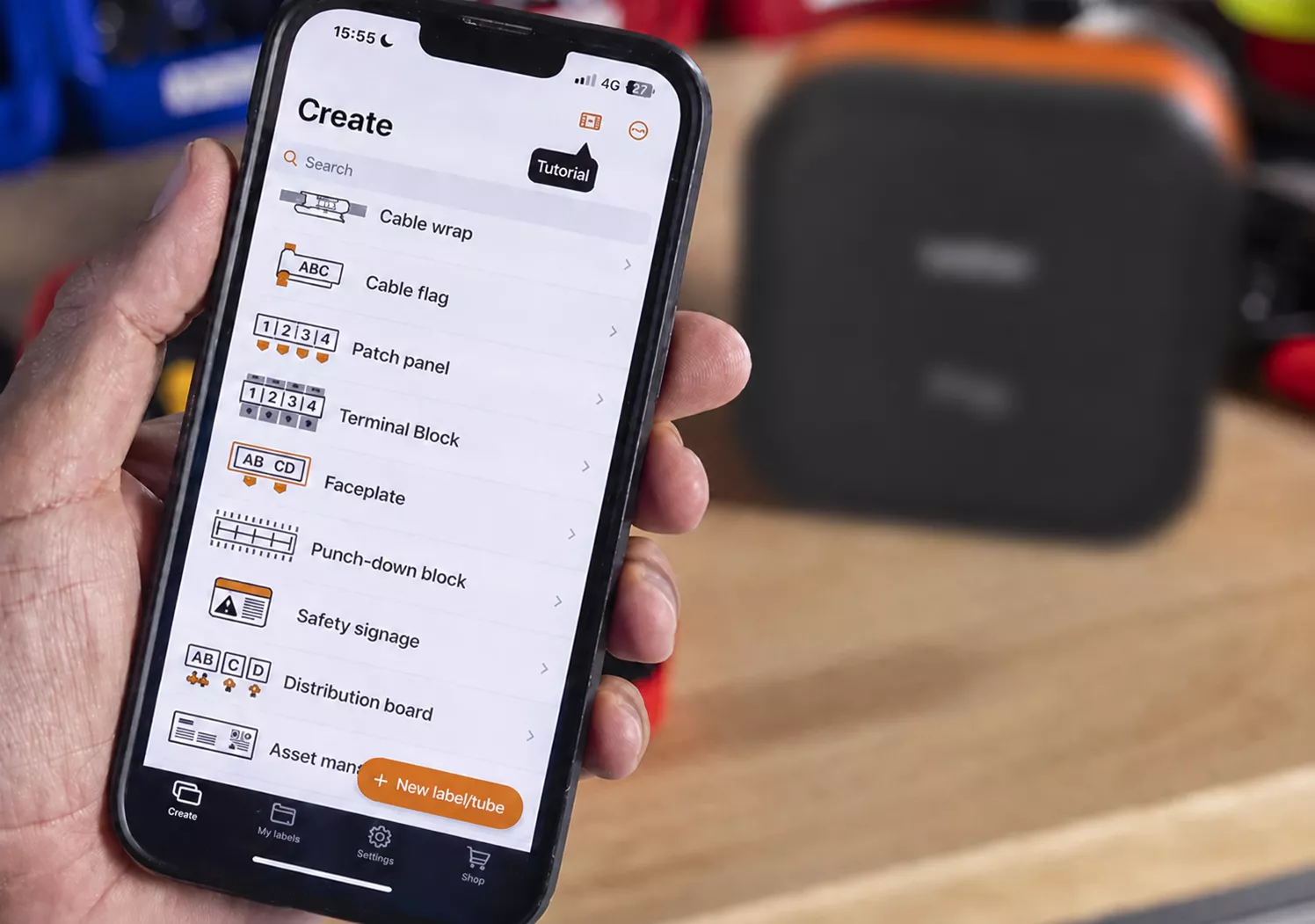
Choose from pre-built label templates for common applications, then enter your text and print wirelessly to a suitable Brother printer. Use ready-made label formats for everyday identification tasks across your site, including:
- Cable wraps and flags
- Patch panels and faceplates
- Equipment ID and rack labelling
- Safety and warning signage
Customise labels without the extra gear
When the standard format doesn't fit the job, create your own. Design labels to match the job, with flexible elements you can tailor to your exact application:
- Custom widths and spacing
- Text, symbols and graphics
- Barcodes and QR codes
- Company branding, logo and contact details
Made for the way trades and technical teams work

Print clear labels for switchboards, circuits, isolators, cable IDs and warning notices while you're still on site.

Create consistent labels for patch panels, faceplates, cabinets and network cabling with less manual formatting.

Take the guesswork out of on-site labelling with saved templates and print logs, giving contractors quick access to approved labels and previous job data.

Set up templates and identifiers ahead of time so teams can print consistently across larger jobs and multiple sites.
For use with selected Brother electrical label makers
and label printers
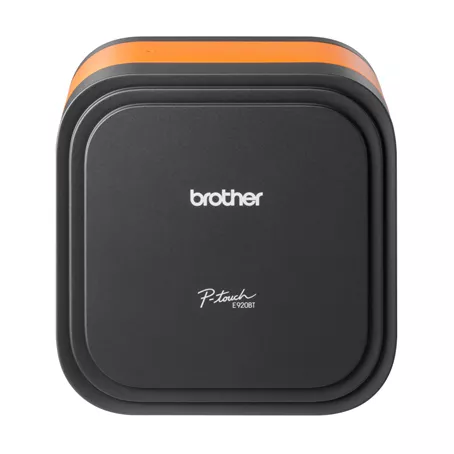
PT-E920BT
- Print durable, industry-compliant labels, up to 36mm wide
- Design, preview and print industry-specific labels with the Brother Pro Label Tool app
- Fast batch printing with 20mm/sec, easy-peel label strips and a built-in automatic cutter (half and full)
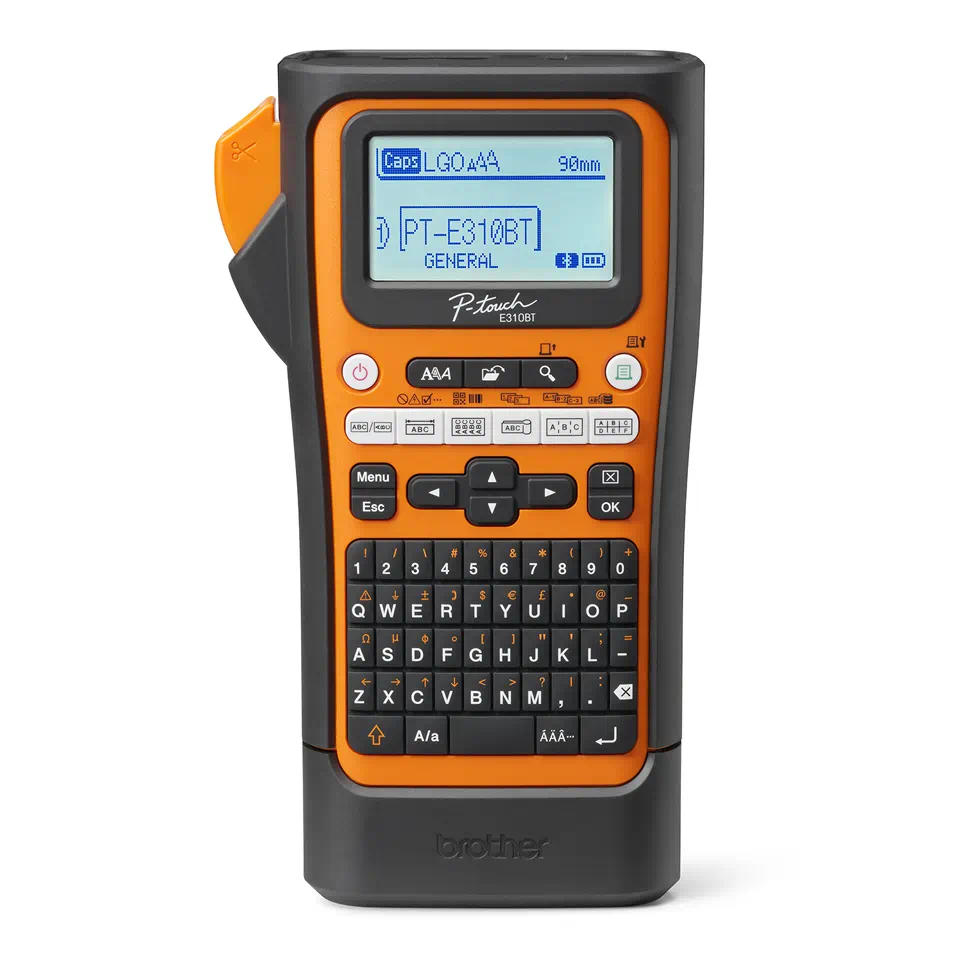
PT-E310BTVP
- 6x one-touch industry application keys for general, faceplate, cable flag/wrap, punch down block and patch panel identification
- Fast print speeds of up to 20mm/sec and and built-in industrial strength cutter with cut/pause to help reduce waste
- Pro tapes available including strong adhesive, flexible ID, heat shrink tubing and self-laminating
.webp?iar=0&rev=9ae6136a05bd4f9abde99e727f45b395)
PT-E560BTVP
- 6x one-touch industry application keys for general, faceplate, cable flag/wrap, punch down block and patch panel identification
- Fast print speeds of up to 30mm/sec and automatic (full & half) cutter with easy peel function to print multiple labels in one continuous strip
- Pro tapes available including strong adhesive, flexible ID, heat shrink tubing and self-laminating
.webp?iar=0&rev=a6ca09a529414e9a8a1720524d50c794)
PT-P950NW
- Barcode Printing Function
- High Quality Labels with Auto-Lamination
- Fast Print Speed
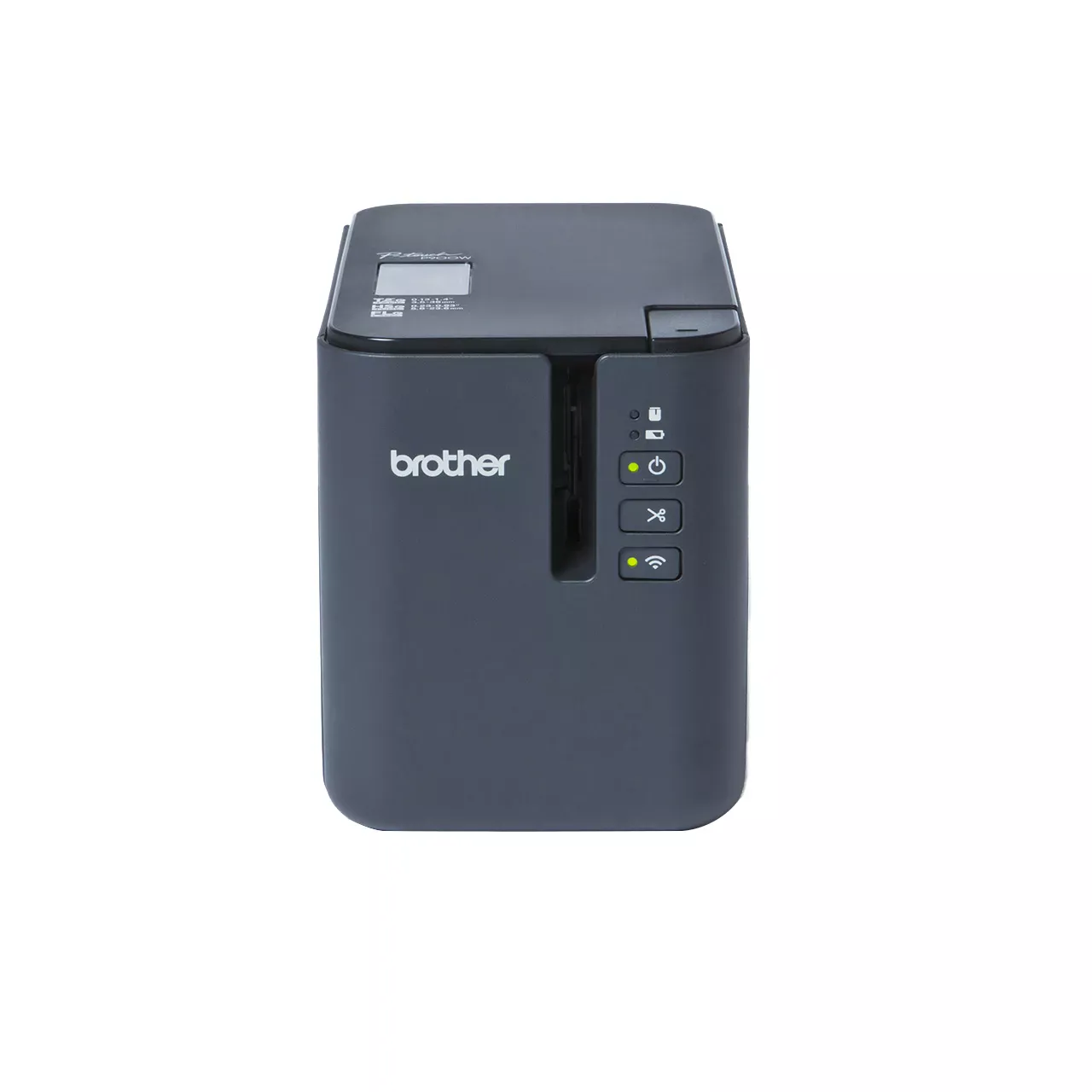
PT-P900W
- Barcode Printing Function
- High Quality Labels with Auto-Lamination
- Fast Print Speed
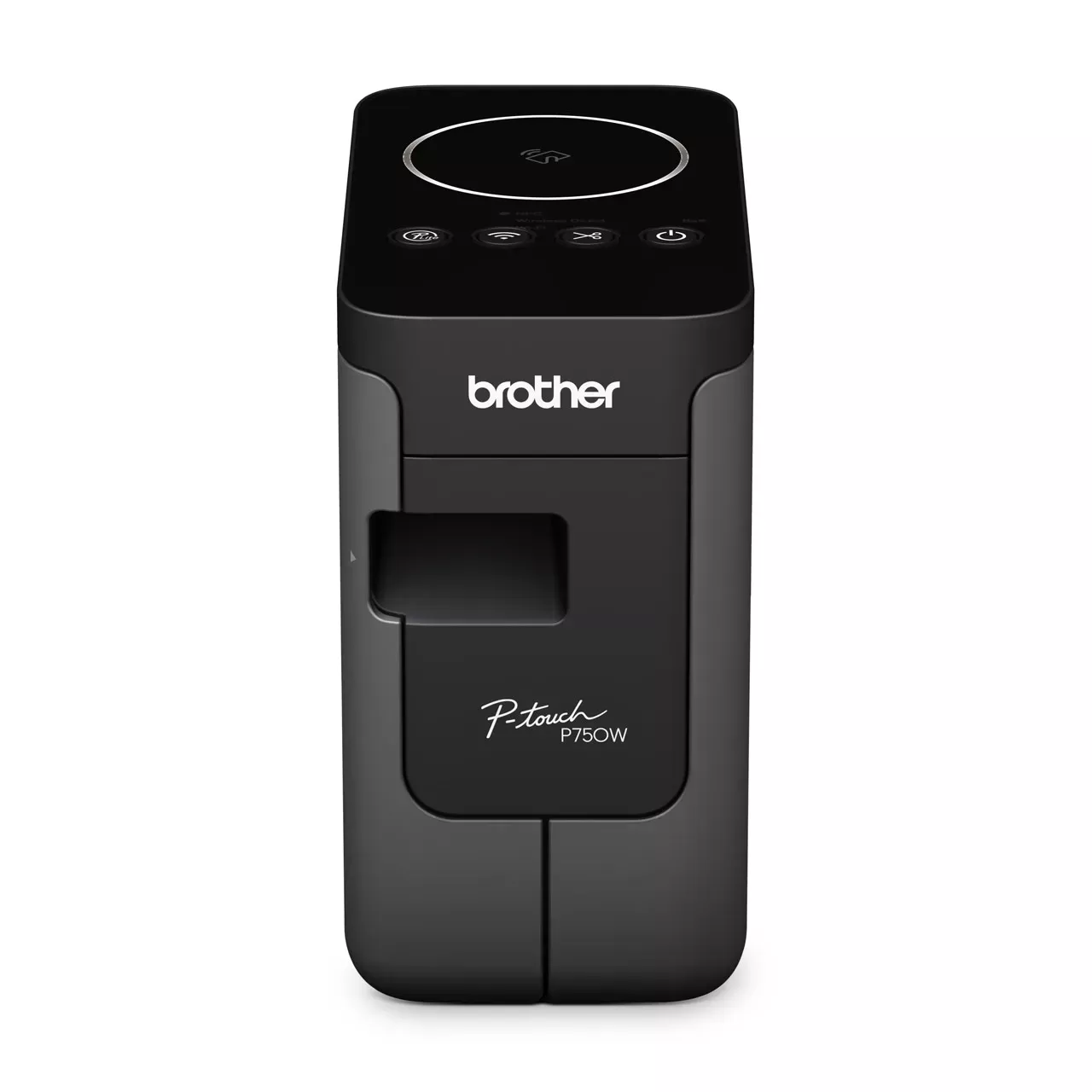
PT-P750NW
- Wireless Wi-Fi and USB connectivity
- NFC
- Built-in software for simple plug and play use on both Windows and Mac

Get started with the Brother Pro Label Tool app
Download the free Brother Pro Label Tool app for iOS or Android and explore how it works before you connect a Brother label maker or label printer. Browse templates, preview label formats and see how the workflow fits your day-to-day labelling needs.
Available for Android and iOS.

Choose Pro Tapes for the job
Clear labels start with the right tape as well as the right app and printer. Explore Brother's Pro Tape range for durable options matched to real trade work, including strong adhesive tapes for textured and smooth surfaces, cable identification tapes such as self-laminating, flexible ID and heat shrink* options, plus specialty ranges for tamper-evident or stencil applications.
*Heat shrink tapes are suitable for select Brother label printers only. Not suitable with the PT-E920BT.
Frequently Asked Questions
-
What can I create with the Brother Pro Label Tool app?
You can create a wide range of labels for cables, patch panels, faceplates, racks, cabinets, equipment identification and safety or warning applications. -
Can I use my own data?
Yes. The app supports CSV-based workflows, making it easier to work from existing job information and reduce manual re-entry. -
Can I customise the label design?
Yes. You can adjust layout settings and add elements such as text, symbols, barcodes, QR codes, images and logos, depending on the job. -
Does it work with P-touch Editor designs?
Yes. Existing designs can be prepared in P-touch Editor and used as part of a mobile workflow. -
Does it work with P-touch Editor designs?
The Brother Pro Label Tool app is available for iOS and Android devices.

Need a labelling setup that fits the way your team works?
Talk to Brother about suitable printers, tapes and labelling workflows for electrical, datacom and identification work.