Sign In / Sign Up To Add Wishlist
Wishlist is available for members only. Please sign in or sign up to add your wishlist.
Embroidery ideas for your PR embroidery machine
Working with Sets & Bulk Orders
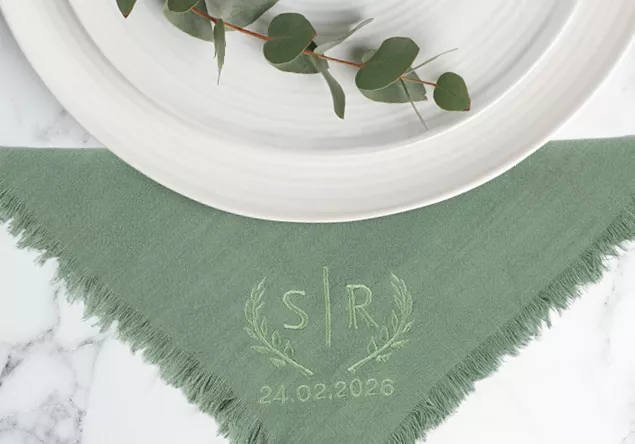
Preparing sets of napkins is a great example of how efficient workflows save you time. Marking the placement on all pieces in one go and use a magnetic frame so you can leave the frame attached when you change out each napkin. Once you find a rhythm, you’ll move through large quantities with ease.
To maximise your time, you need to be able to free yourself from the machine, stepping away between items. In a crowded workroom or retail space and worried about leaving the machine unattended, you can lock the screen to prevent any accidental changes
Everything you'll want to know
.webp?iar=0&rev=a698693bd1c94187846eb25bf4d71ccc)
Position Guide
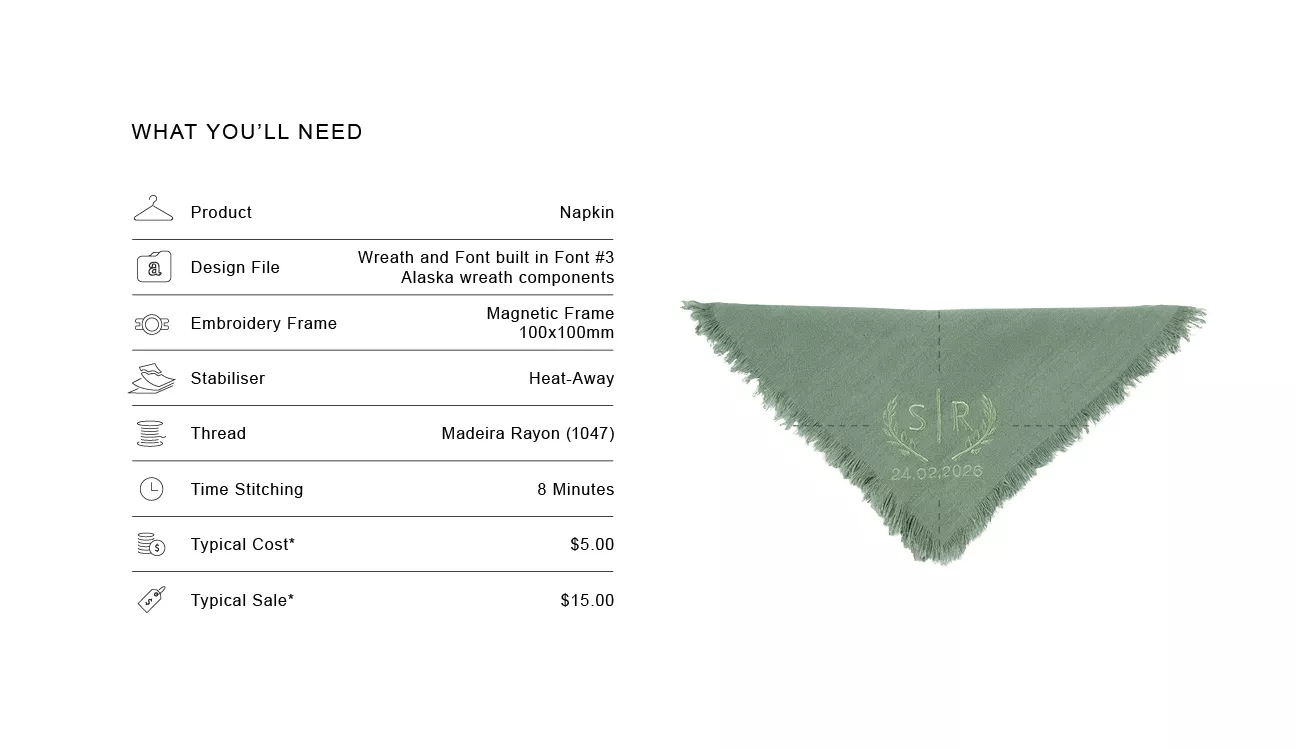
Fold the napkin into quarters diagonally and position the design in the lower-right quadrant, keeping 12mm (½”) from both edges

Size Guide
A design around 64mm x 78mm fits nicely on the corner or edge of a napkin.

Design Variation
Create a simple, Mr. and Mrs. suitable for the 50mm Magnetic Frame. Quick, simple and affordable for price conscious Brides

Market insight
Large event orders often become some of the most efficient jobs because the setup work is only done once. This can make the cost-to-time ratio more favourable compared to one-off personalised items.

Tip
When working with smaller start stop areas turn off jump stitches. This is done to prevent bird nesting forming underneath.

Shortcut
Save precious time, use the free My Stitch Monitor app when doing bulk jobs suck as napkins. Confidently walk away from your machine and be prompted to returned when its time to reload..

Troubleshooting
To help prevent movement of fine fabrics, use the Basting Setting to quickly add basting stitches around your design. You can adjust the distance of the basting stitches from the design in the machine settings

Important Note
**Figures are indicative figures only. Costs refer only to consumables required. Complete your own research before determining your own costs and setting your prices.