Sign In / Sign Up To Add Wishlist
Wishlist is available for members only. Please sign in or sign up to add your wishlist.
Embroidery ideas for your PR embroidery machine
Working with positioning
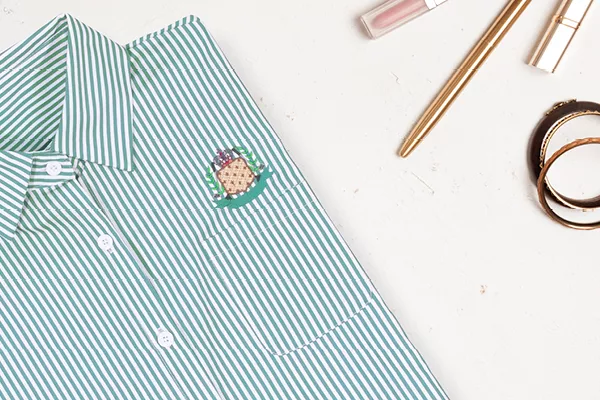
Business shirts are a core line for many embroidery services, and confident positioning is key to producing consistent results. When positioned near pockets, plackets or buttons, even a small misalignment can stand out on a finished shirt.
Depending on your machine, use the camera to check the alignment or the 2-Point Positioning feature which can correct any crookedness in your hooping. Simply select two reference points on the shirt, the machine will automatically rotate and adjust the design to match, even if your shirt was not hooped perfectly straight, protecting you from costly mistakes.
Everything you'll want to know
.webp?iar=0&rev=a698693bd1c94187846eb25bf4d71ccc)
Position Guide
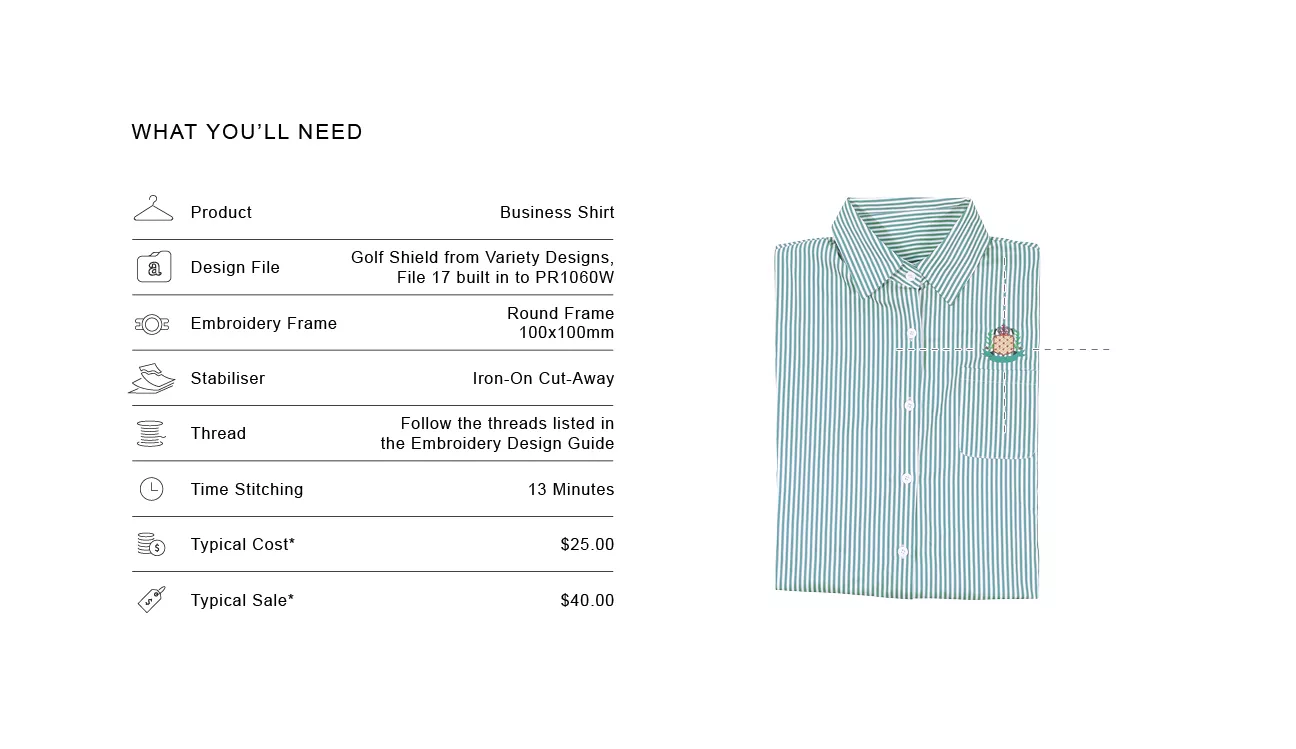
Position the design on the left chest, 10–20mm above the pocket opening, centred to the pocket.

Size Guide
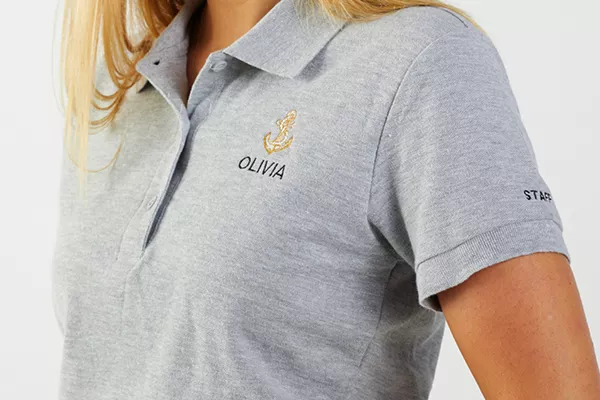
When using a logo approx 55mm x 60mm, the 100mm x 100mm Round Frame has enough room to add a name

Design Variation
Adding a role or name to the logo is an easy way to add on to your sale, make note of your clients preferences for these as well so repeat orders can remain consistent.

Market insight
Corporate clients often reorder for new staff or updated uniforms. Once a clients preferences and files settings are recorded, repeat orders can become some of your most consistent and predictable income streams

Tip
Use the camera or the 2-Point Positioning feature to align your design with the pocket

Shortcut
If your shirt has stretch use Iron-On Cut-Away to stabilise the fabric. This will help with hooping and stop puckering when stitching

Troubleshooting
For accuracy ensure all buttons are done up when measuring and marking your design placement.

Important Note
**Figures are indicative figures only. Costs refer only to consumables required. Complete your own research before determining your own costs and setting your prices.