Sign In / Sign Up To Add Wishlist
Wishlist is available for members only. Please sign in or sign up to add your wishlist.
Embroidery ideas for your PR embroidery machine
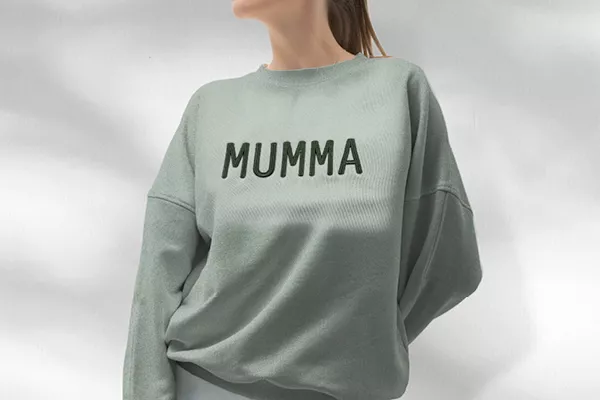
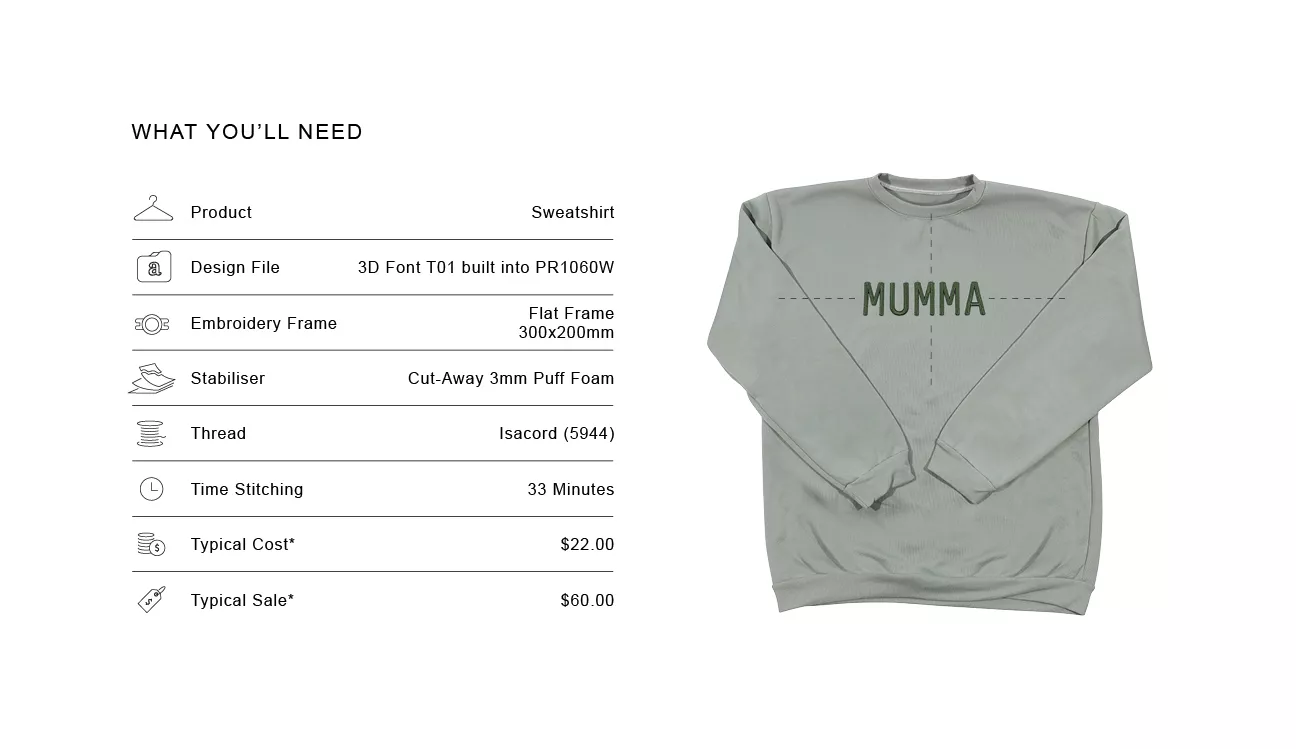
Working with on trend Puff Fonts
3D puff lettering can seem intimidating at first, but with a little practice it becomes a straightforward technique to offer. Starting on spare fleece fabric is a good way to get comfortable with how the foam sits under the stitches, with different brands of 3D embroidery foam appearing crisper or more rounded. Once you understand the process, and have experimented to achieve the look you want, adding raised lettering to sweatshirts using a 3D Puff embroidery font becomes quick and reliable.
Sourcing blank garments in soft neutrals, seasonal tones and popular athleisure colours will help your samples stand out and attract people who may not normally consider embroidery on garments
Everything you'll want to know
.webp?iar=0&rev=a698693bd1c94187846eb25bf4d71ccc)
Position Guide
Place the design 50–100mm (2–4”) below the centre neckline depending on the garment size.

Size Guide
The maximum width of the frame (300mm) will fit 7 letters across with the font set at the largest size (55mm tall).

Design Variation
Only fonts digitised to be used with Puff foam should be used as the stitches are created to seal in the foam. More puff fonts available to purchase online

Market insight
Trend-driven products can benefit from limited drops. Consider releasing new puff-lettering samples in small seasonal batches as scarcity increases demand and helps you test what sells before stocking up.

Tip
Float the puffy foam and use painters tape to hold your foam in place before stitching. Then remove excess..

Shortcut
Did you misspell your word? Use Text Edit to quickly add or change a letter.

Troubleshooting
As with any purchased design or font, a test sew is your friend. For puff fonts this will ensure you know you have enough coverage of the foam. Increase your stitch density for a thicker coverage as needed.

Important Note
**Figures are indicative figures only. Costs refer only to consumables required. Complete your own research before determining your own costs and setting your prices.