

FAQs & Troubleshooting
Find the answers to our most frequently asked questions and troubleshooting


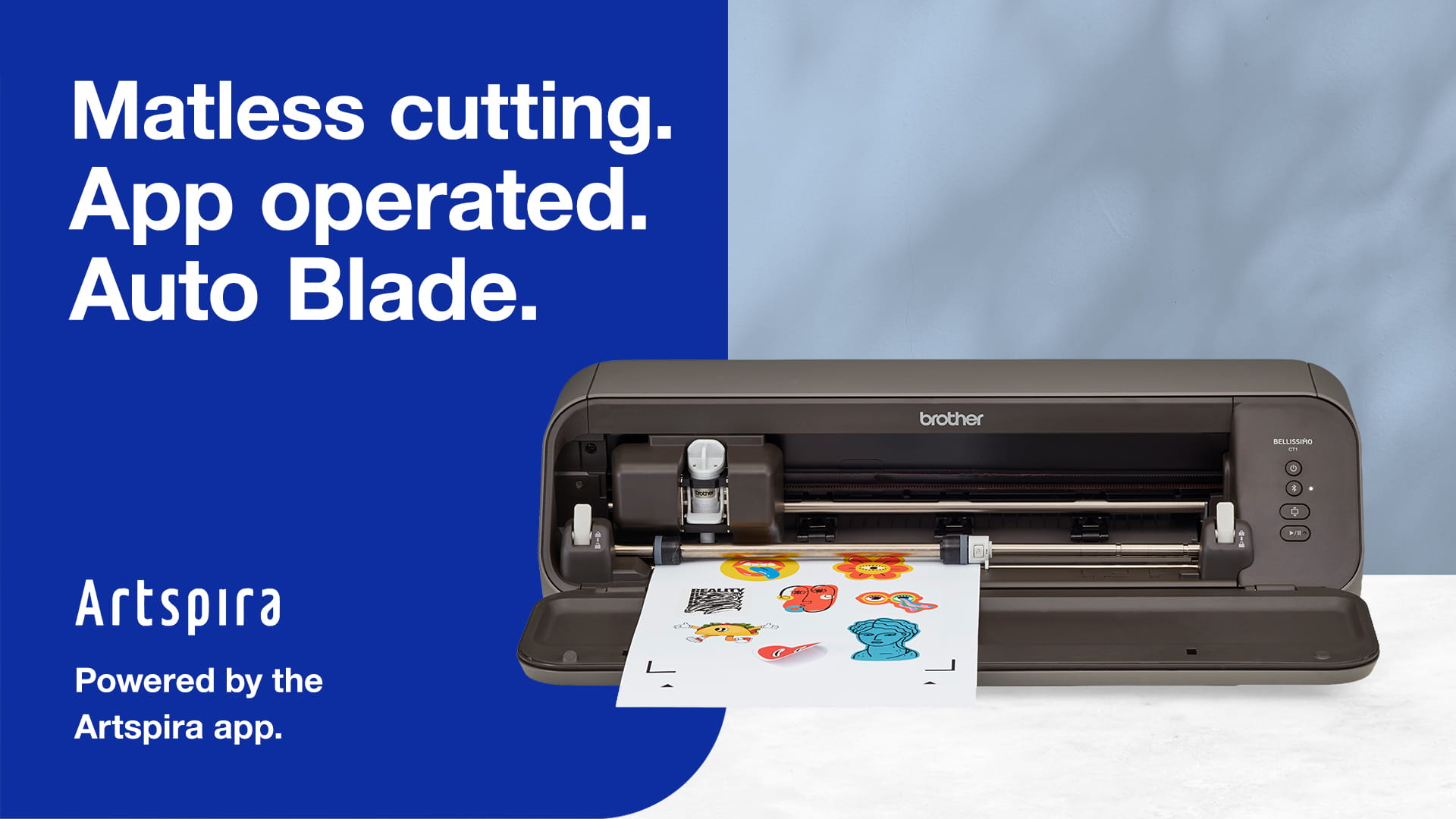
Brother’s app operated, matless cutting machine with intelligent auto blade and auto pressure setting


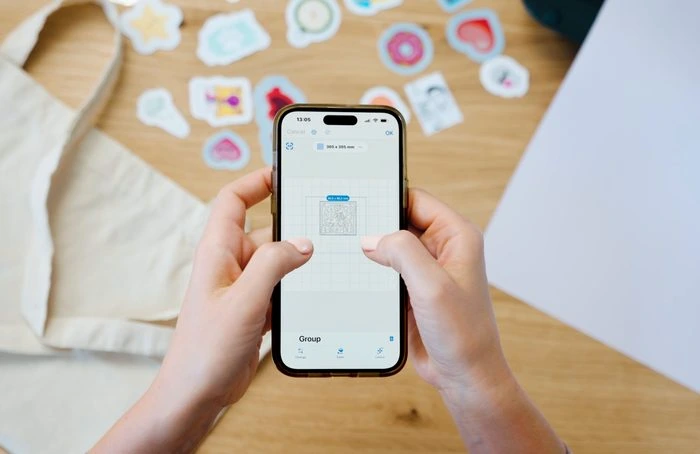
Bellissimo CT1 is powered by the free Brother Artspira app. Draw your own designs, convert images into cutting data, create stickers and explore designs to cut. Additional creative tools are available through Artspira+. Artspira+ subscribers can also access Artspira AI and other advanced creative tools. See in-app for more details.
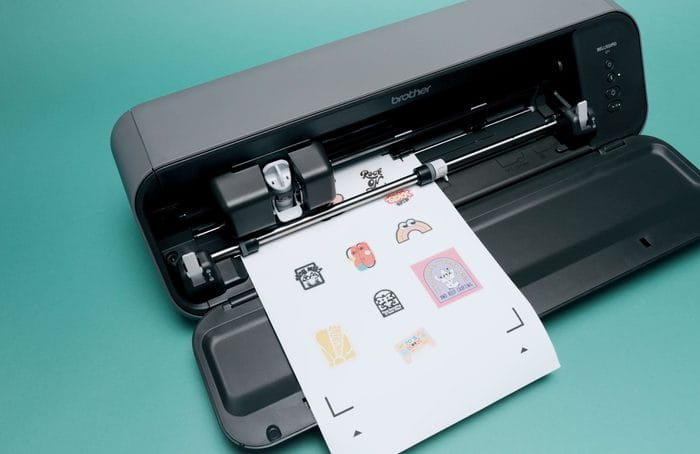
Developed as a matless cutting machine, just load your material into the Bellissimo and let the auto blade do the work. Without a mat the Bellissimo can half or perforate cut material that is A4, US Letter, or 305mm wide and up to 560mm long. You can also use a mat when you want to do full cut designs or when using specialist materials. A 305mm x 305mm Standard Tack mat is included. 305mm x 610mm mats are also available.
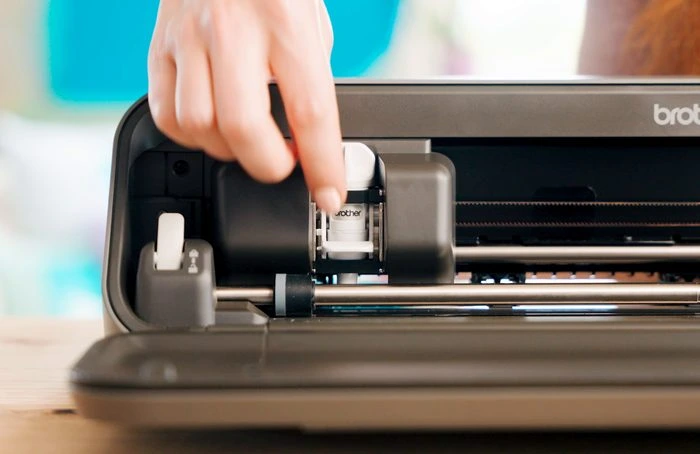
Just load your material and let the auto blade detect thickness and cutting pressure. You can still fine tune cutting settings via the Artspira app. Select half-cut in the Artspira App to half-cut material up to 0.5mm thick such as stickers or vinyl.
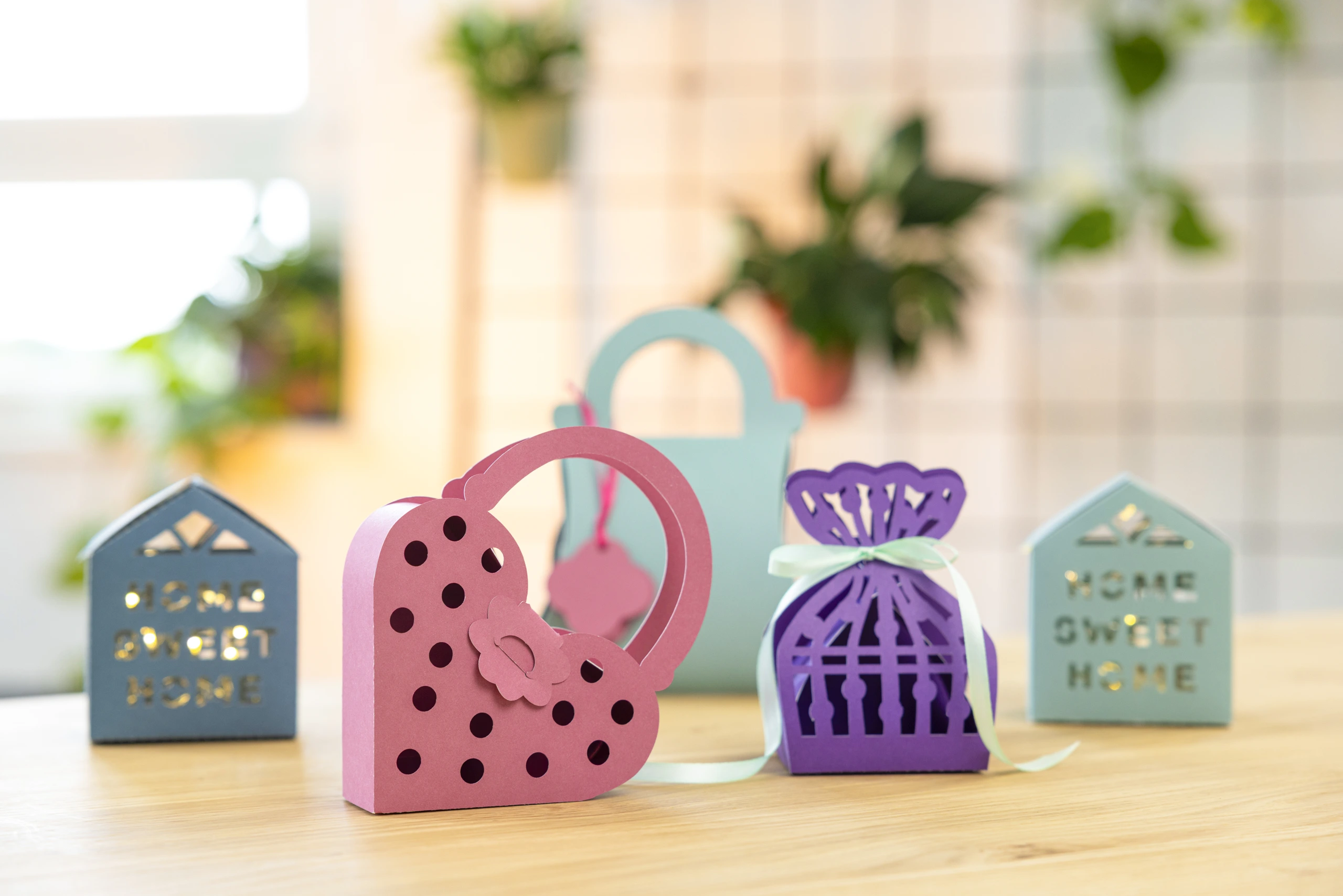
To cut through card or paper, load your material onto a mat and use Full Cut mode. For sticker paper, vinyl, HTV and any other material that has a backing sheet load your material matless and use Half Cut mode to cut through the top layer only and leave the backing intact. To create individual stickers from one sheet, use the Bellissimo perforate setting to then cut around each design so that your designs can be easily separated into individual stickers.

The sticker maker function works using a separate printer with your Bellissimo. Choose your Artspira designs, or create or upload your own. Save your designs in Artspira and print on your printer with the registration marks so it is ready for your Bellissimo. From Artspira the design must be sent to the Bellissimo twice: once for the half cut, once for the perforation cut. If your cut lines are ever not as expected, recalibrating the Bellissimo is easy using Artspira.
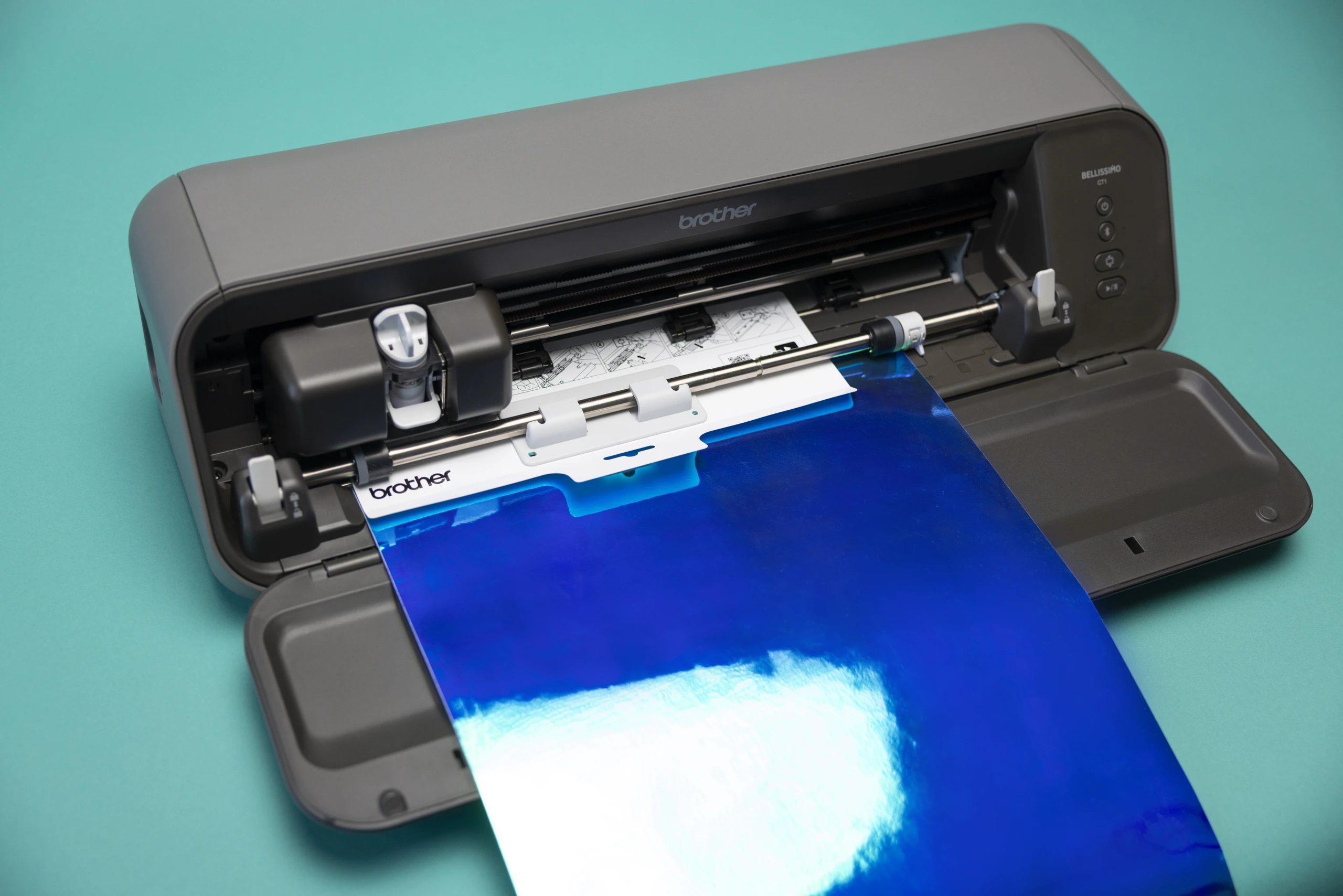
Attach the included Feed Support when feeding a vinyl roll, or a matless material that is curled, so it feeds more smoothly. The Feed Support only works for material that is 305mm wide, and only with the matless cutting feature. Cut your vinyl a couple of centimetres longer than your design. Remove the Feed Support prior to cutting.
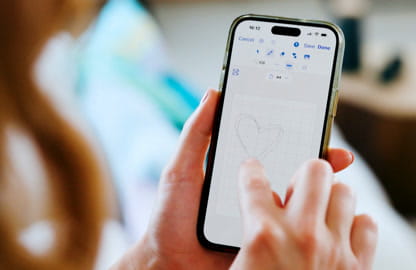
See how your design will look before you make the first cut. Artspira’s AR preview lets you view your design on your material, so you can check the size and placement and make any adjustments before sending it to your Bellissimo CT1 Cutting Machine.
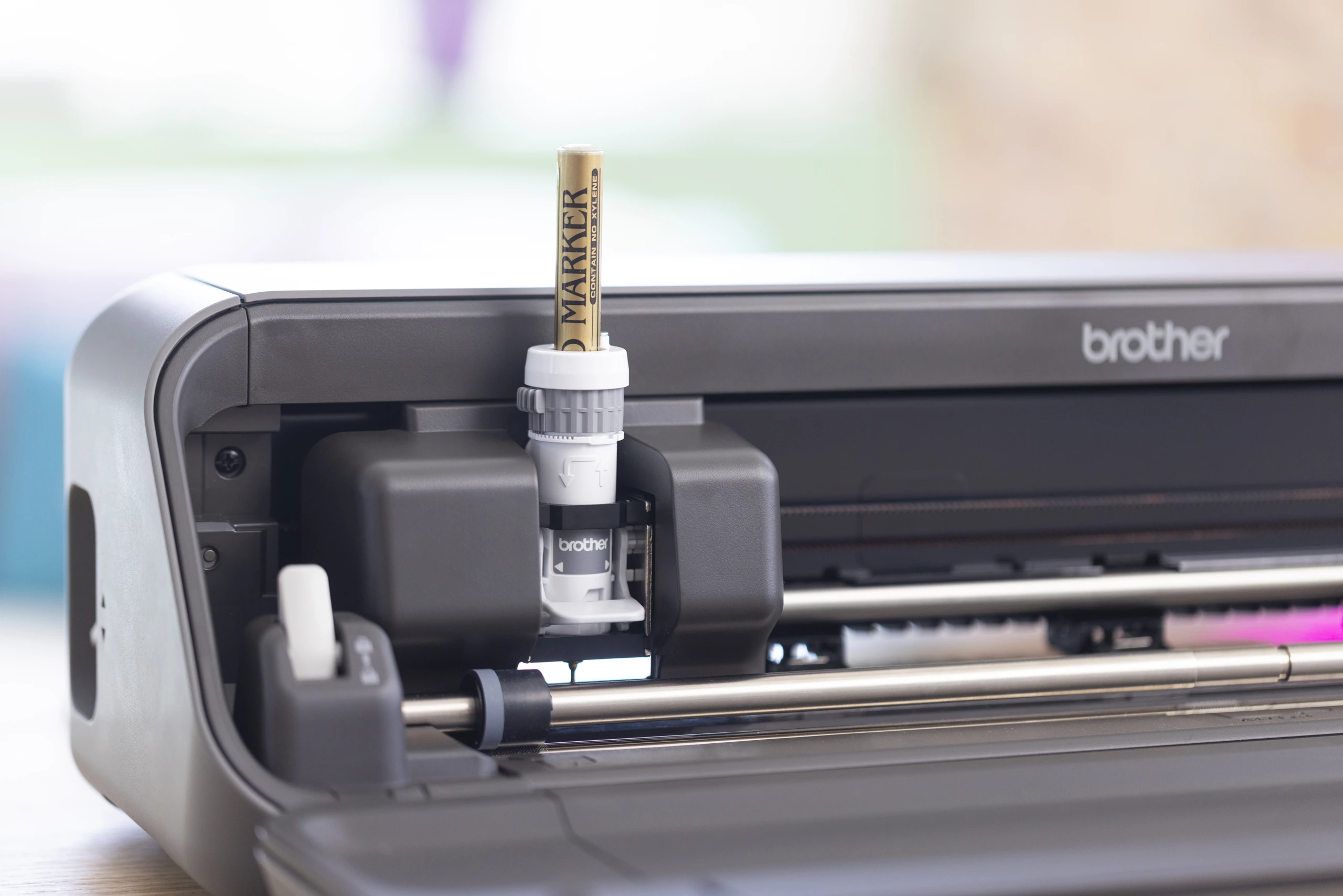
Perforate cut, half cut, full cut and draw* with a variety of materials including vinyl, stickers, paper, card and felt. Perfect for sticker making, homewares, upcycling, accessories, card making, bookbinding and more! *Pen holder to be purchased separately. If you're drawing on thin material like paper, pair it with the separately-sold Brother Low Tack Mat.
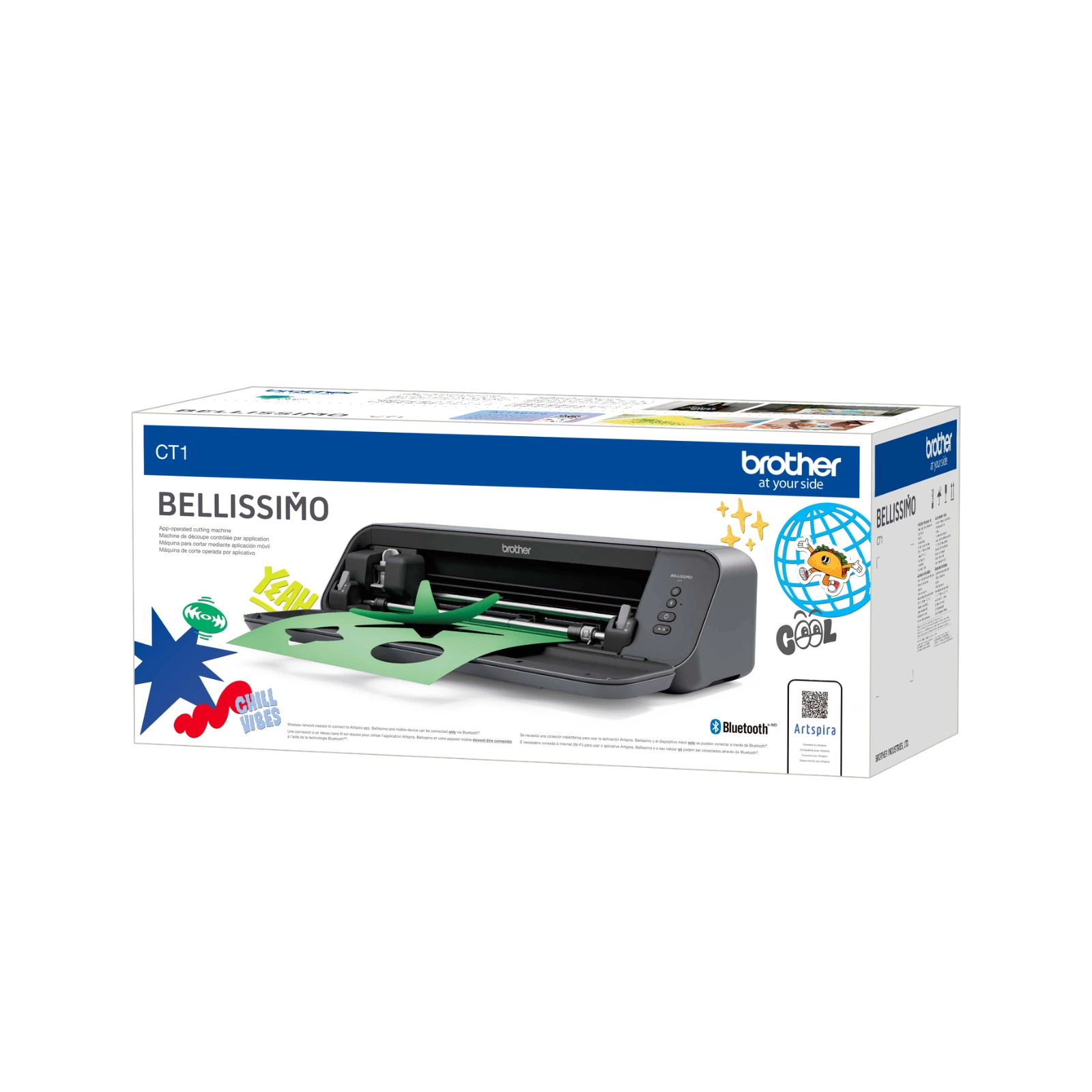
The Bellissimo CT1 Cutting Machine arrives ready to cut: a cutting blade [CABLD1], auto blade holder [CABEHLD1], a standard cutting mat, 305×305mm [CADXMATSTD12], a vinyl sample sheet, spatula and feed supporter, plus the product safety and quick setup guide and power cord to get started.
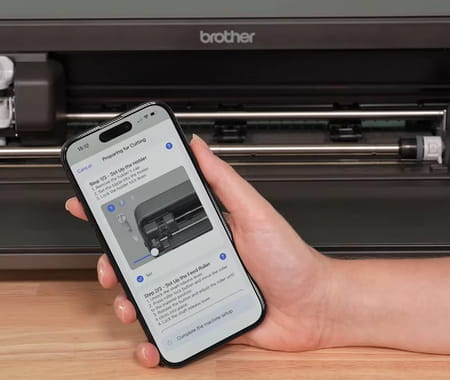
Artspira actively checks your setup and alerts you if something needs changing before or during a cut. Want to see Bellissimo in action? Watch our handy How To video – it’s got everything you need from setting up, to cutting your first project and even a trouble shooting guide.
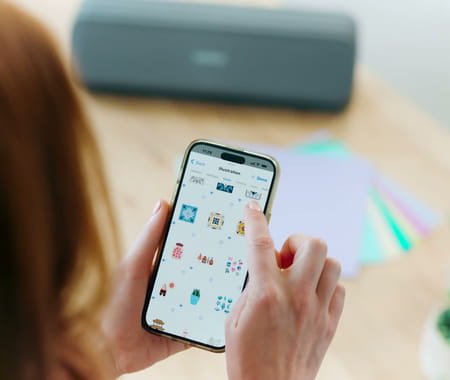
Connect your Bellissimo to Artspira and get 100 free, exclusive cutting designs that are only available to Bellissimo users. 60 cutting only designs, plus 40 Print and Cut designs (printer required additionally). Can I use my own designs, or only the Artspira library? Both. Upload your own JPEG or PNG and Artspira converts it automatically; if you're supplying your own cutting data files, they need to be .fcm or .svg format.
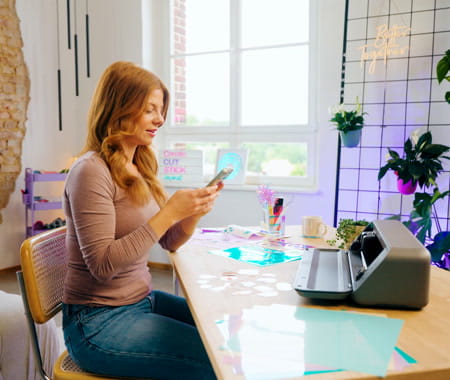
Getting a cutting machine is the beginning. Knowing how to use it is what helps you make progress.
Connect your Bellissimo CT1 Cutting Machine to the free Artspira app to draw your own designs, transform them with AI, convert images into cutting data and access exclusive Bellissimo cutting designs — everything you need for your first cut and your next one.
Available on iOS and Android.
The Artspira app is free to download and use. Before cutting, you can move, rotate, resize, change a design’s colour, duplicate it, remove overlaps and group elements together. Artspira+ is available as a $19.90/month subscription and adds additional cutting designs and fonts, lets you import up to 100 of your own designs (instead of 20 on the free plan), save up to 100 designs in cloud storage (instead of 20), and gives you access to Artspira AI. See the full plan comparison.
No. The Bellissimo CT1 Cutting Machine is Brother’s app operated, matless cutting machine, designed to work from the free Artspira app on your phone or tablet — not a computer. It’s small enough to sit on your desktop, connecting over Bluetooth to send your cutting and drawing jobs straight from your device.
Yes. The Bellissimo CT1 Cutting Machine works through the Artspira app, which includes an AR (augmented reality) function so you can view your design on your material before you cut — a feature included on both the free Artspira plan and Artspira+.
In most cases, yes. Under Artspira’s terms, any design without a copyright disclaimer shown in the app is allowed for commercial use, on both the free Artspira plan and Artspira+. Always check the individual design in-app first, since some carry their own usage restrictions.
No — the Bellissimo CT1 Cutting Machine connects to the free Artspira app over Bluetooth, not Wi-Fi. Once you’ve designed or chosen your project in the app, Bluetooth is how it reaches the machine to cut or draw.
No
(exclusive 100 designs) on Artspira
No
(on Artspira)
No(Bluetooth)
SVG
*0.15~0.5mm vinyl/HTV/sticker sheet for matless half cut / *0.19~0.5mm papers (+Paper weight:150~250gsm) for matless perforation cut / *0.07~1.0mm materials for cutting with mat
Yes
1 year Return to Base Warranty


