


Sign In / Sign Up To Add Wishlist
Wishlist is available for members only. Please sign in or sign up to add your wishlist.
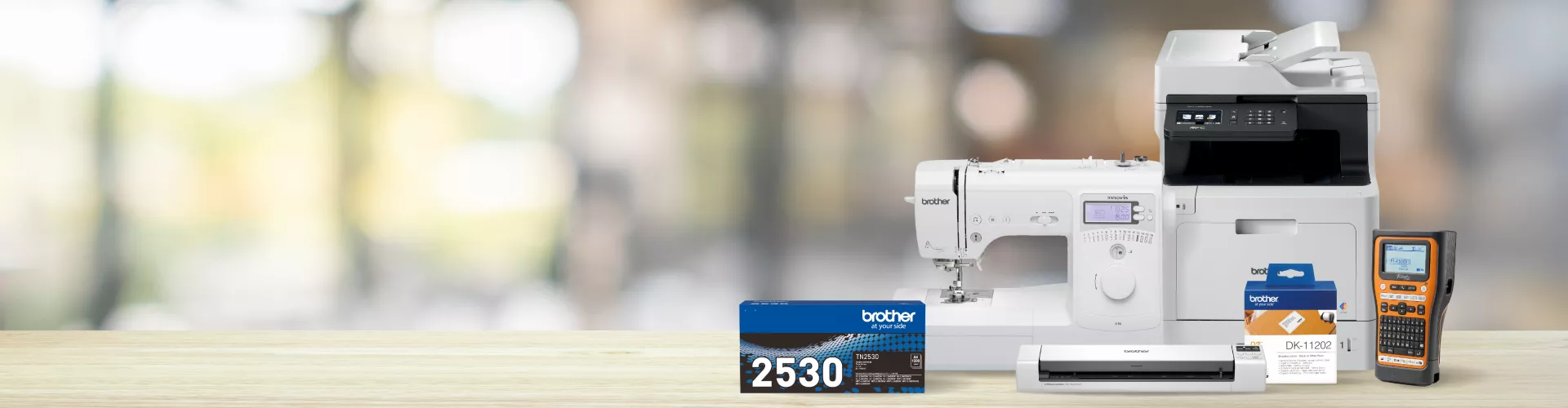

Expanded product range now available on Brother Online Store
We’ve expanded our online store so you can now purchase a broader range of products directly from Brother - including printers, labellers, sewing and craft machines, as well as genuine ink, toner, tapes and accessories - all in one trusted place.
Whether you're working from home, running a busy office or crafting your next project, enjoy more choice, more convenience and the same dependable at your side experience.

What's new?
You can now buy a range of:
• Inkjet and laser printers
• Label makers and label printers
• Scanners and portable document scanners
• Sewing machines and craft devices
• Inks, toners, tapes & key accessories
• Refurbished printers
Prefer to shop through your favourite reseller? You can continue to buy online or in store through our authorised partners. The choice is yours.
Shop the range today
Browse eligible product categories now available to buy direct. Availability may vary by model.
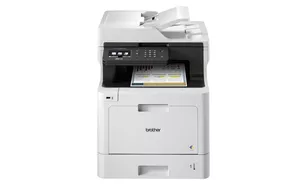

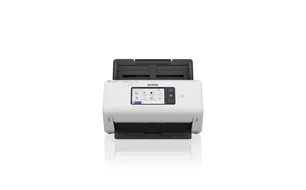

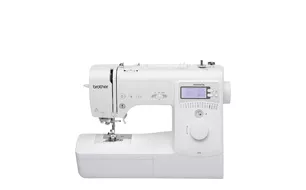

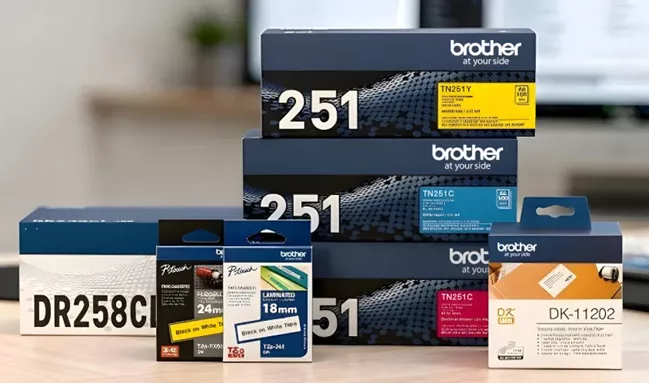
Brother Genuine Supplies
Keep your devices performing at their best with Brother Genuine supplies. From ink and toner to labels and accessories, genuine consumables are made to deliver consistent, reliable results - backed by our at your side support. Stock up anytime, direct from Brother.
Why shop with Brother?
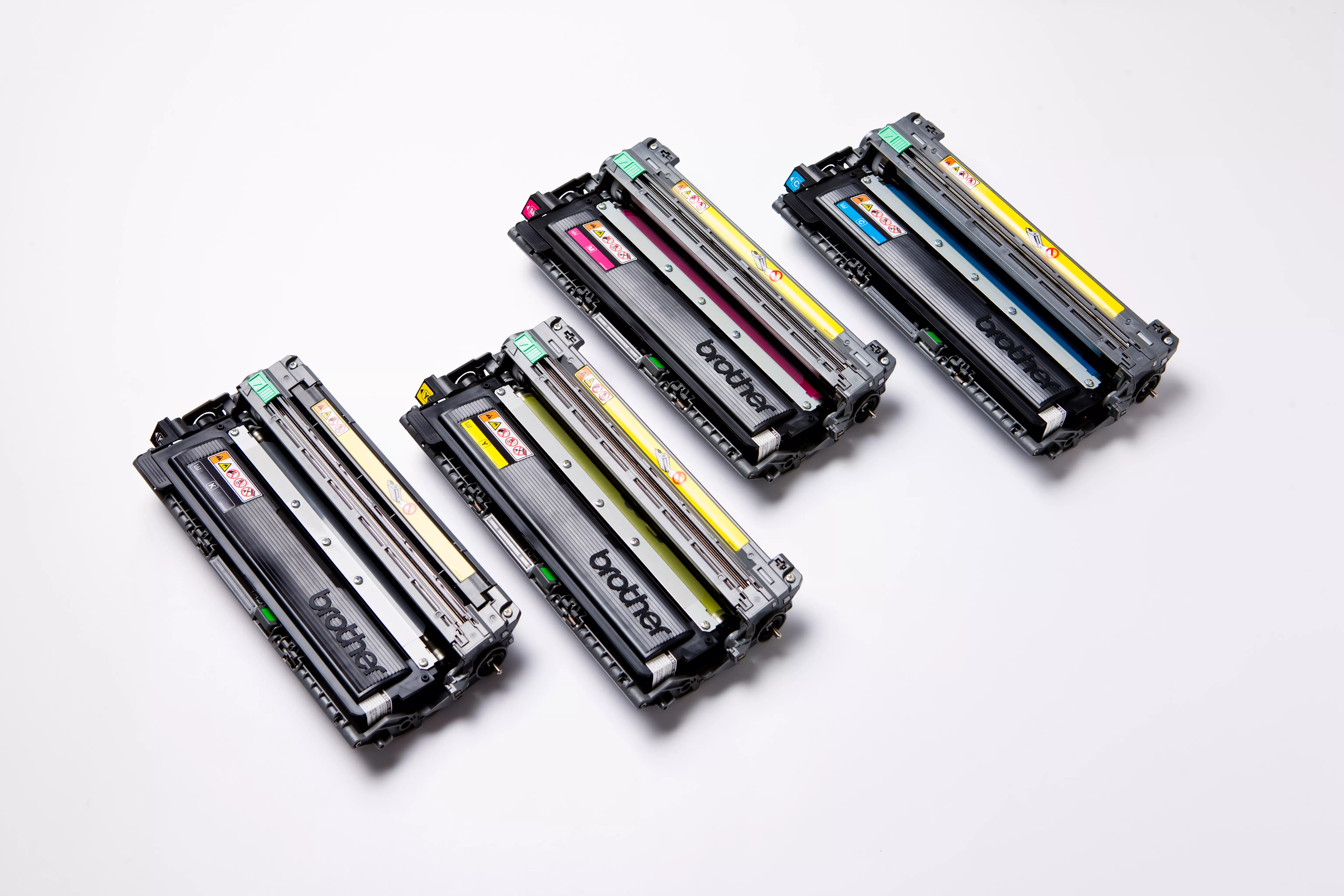
Genuine Brother products
Shop with confidence knowing you’re getting authentic Brother hardware and consumables - all backed by our standard warranty and dedicated Customer Care support.
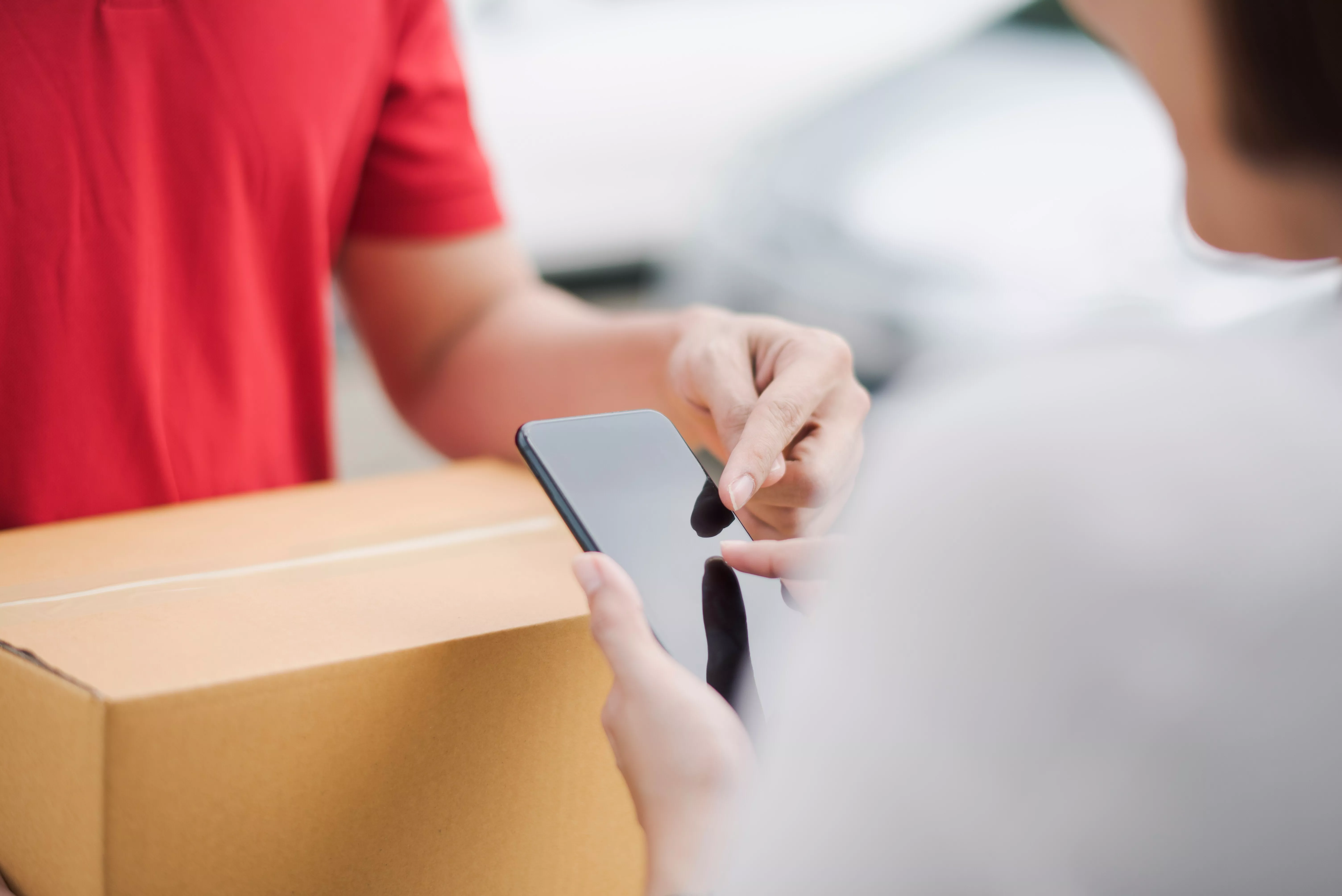
Simple & secure shopping
Enjoy a seamless experience through our trusted online store - easy browsing, secure checkout and reliable delivery all in one place.

Flexible ways to shop
Buy direct from Brother or choose from our network of authorised resellers - online or in-store, the choice is yours.
.webp?rev=1958b1fb6f6d436e994b51e55a72fa47)
How to shop your way
Shop direct with Brother
Look for the Add to Cart button to purchase products straight from our online store including hardware, supplies, accessories and refurb options.
Shop online or in store via authorised resellers
Prefer to shop through your favourite reseller? Our Where to Buy tool will guide you to authorised resellers, either online or in store where you can browse and purchase locally.
Look for the Add to Cart button to purchase products straight from our online store including hardware, supplies, accessories and refurb options.
Shop online or in store via authorised resellers
Prefer to shop through your favourite reseller? Our Where to Buy tool will guide you to authorised resellers, either online or in store where you can browse and purchase locally.
Brother Store Frequently Asked Questions
-
How to shop online for Brother devices by category?
1. Browse your chosen category
Head to the relevant category or listing page to view the full range of products within that group. For example: laser printers or sewing machines.
2. Look for the "Add to Cart option" on eligible products
Once you click into a product page, you’ll see an “Add to Cart” button on models that can be purchased directly from Brother.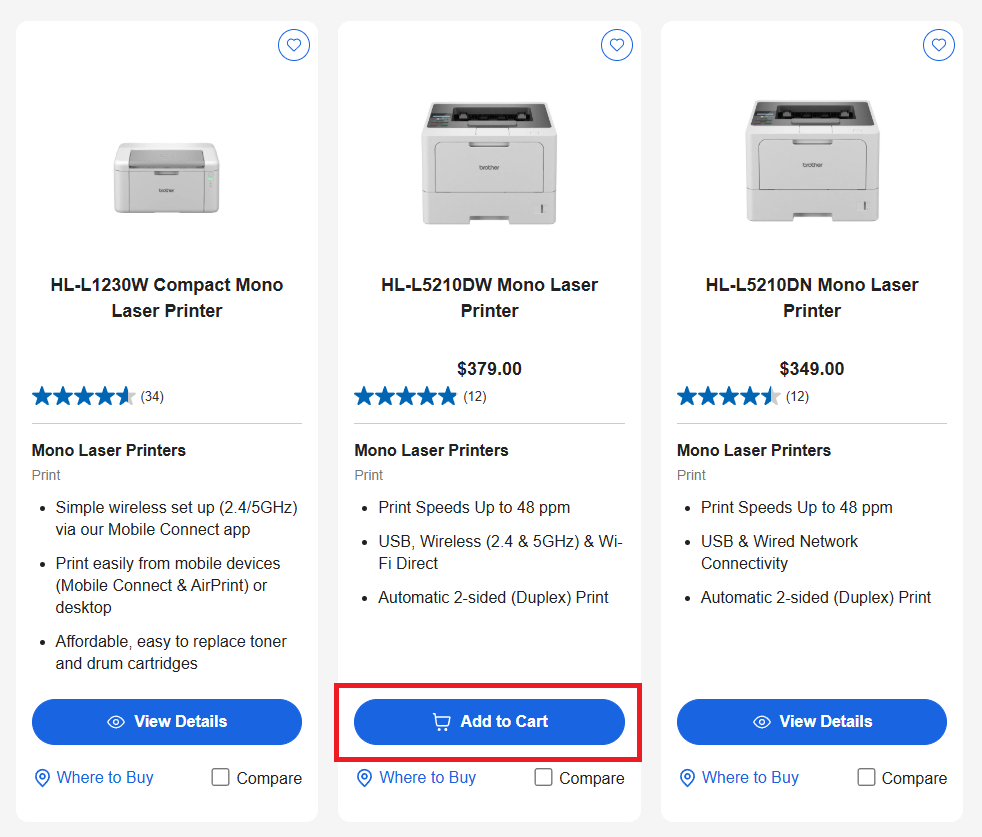
If a product isn’t available to buy direct, we’ll recommend the authorised local resellers nearest to you through our Where to Buy tool.
-
How to shop online for Brother supplies and accessories?
1. Visit the Supplies pageHead to the Brother Supplies page to view consumables and accessories available for your device.
2. Scroll down to the Already Know What You Want? section
To quickly find supplies available for direct purchase, you can:
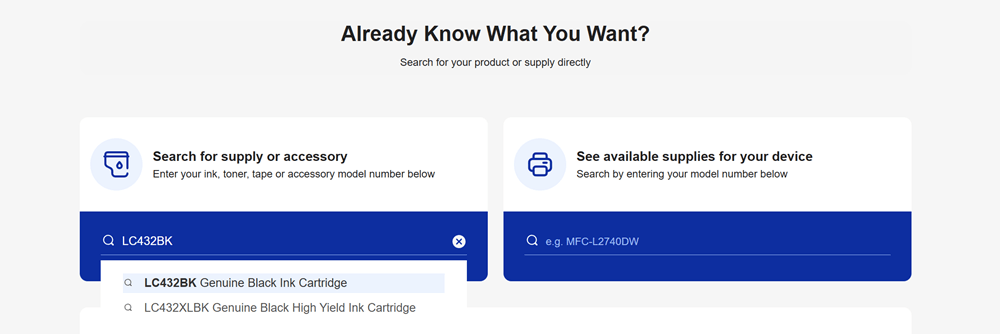
a. Search for your specific ink, toner, tape or accessory by entering the supply/accessory model number (e.g. LC432BK)
b. Or search by your device model to see all supported consumables and accessories (e.g. MFC-L2740DW)
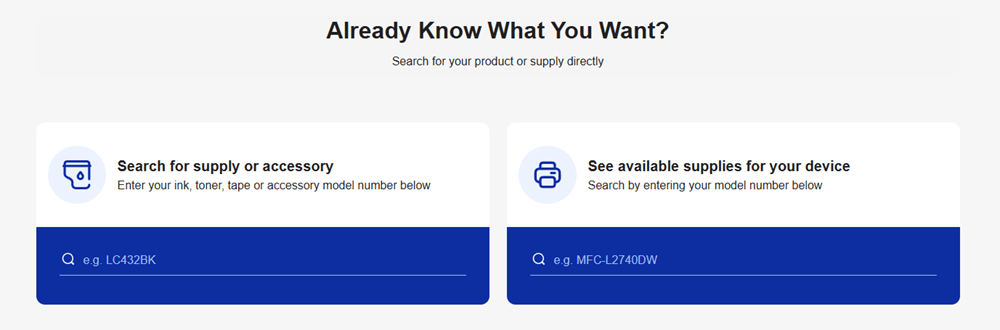
3. Select the result that appears
4. If the consumable is available to buy direct, an “Add to Cart” button will be displayed on the product page
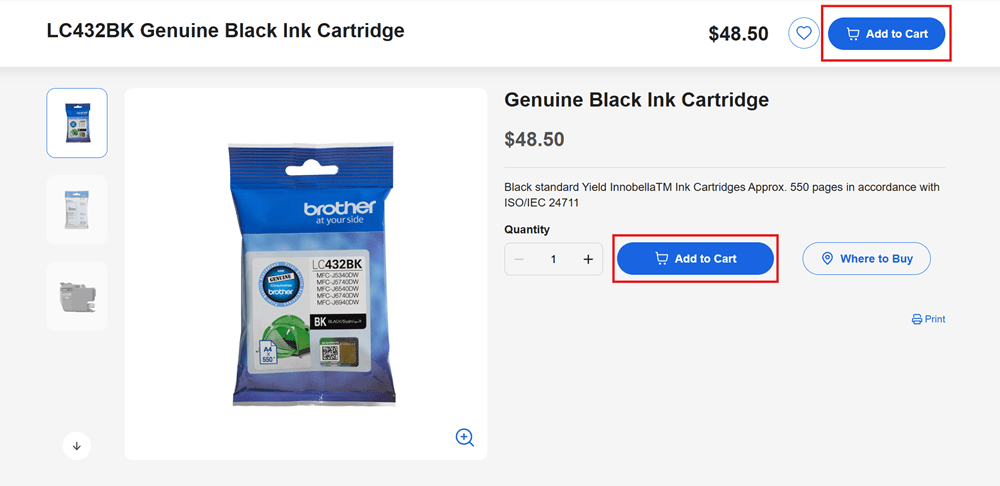
If a product isn’t available to buy direct, we’ll recommend the authorised local resellers nearest to you through our Where to Buy tool.
-
Account FAQs
How do I create an account?
To create an account, visit our login page Brother Australia Login. Click on "Sign Up" and fill in the required information. Once completed, you will receive a confirmation email to verify your account.
What are the benefits of having a Brother Australia account?
Having a Brother Australia account allows for faster checkout, as your contact details are stored and easily retrieved. You can consult order history, status, and delivery tracking information, register your owned hardware, receive exclusive offers and promotions, and update your communication preferences.
How can I reset or change my password?
To reset or change your password, go to the Brother Australia Login page and click on "Forgot your Password." Enter your registered email address, and you will receive a link to reset your password. Follow the instructions in the email to complete the process.
How can I update my account information?
Sign in to your account and navigate to the "Account Information" section. Here, you can update your personal information, including your address, contact details, and communication preferences.
-
Ordering FAQs
How do I place an order?
Orders can be placed online. Browse our products, add your selected items to the cart, and proceed to checkout. Follow the on-screen instructions to complete your purchase.
Can I cancel my order?
You can cancel your order while the order status is “Processing”. A Cancel Order link is provided in the order confirmation email and within the "My Orders" section of your account. The order cannot be cancelled once the order is no longer processing.
What are the warranty conditions on products sold through brother.com.au?
All products sold through brother.com.au come with a standard warranty as per our Warranty Terms. This ensures your purchase is protected against manufacturing defects.
Can I purchase extended warranty?
Currently, extended warranties cannot be purchased via brother.com.au. We recommend checking back periodically for updates regarding extended warranty options.
-
Payment FAQs
What payment methods are accepted?
We accept major domestic credit and debit cards, as well as Apple Pay, Google Wallet, and PayPal. These options provide flexibility and security for your transactions.
Is my payment information secure?
We use advanced security measures to protect your payment information, including encryption and secure payment gateways. This ensures that your data is safe during transactions.
When will I be charged for my order?
Your payment will be processed upon order confirmation. This means that your account will be charged as soon as you complete your purchase.
-
Promotions FAQs
How can I use a discount code?
Discount codes can be applied at checkout. Enter the code in the designated field, and the discount will be applied to your order total.
Are there any current promotions, where do I find more information about online offers and rebates from Brother Australia?
Information about current promotions and rebates can be found on our Promotions page. Check regularly for updates and new offers.
Can I combine discounts?
Brother Australia reserves the right to cancel, change, or restructure promotions at any time. Coupon or promotional codes are typically limited to one use per customer and cannot be combined unless specified.
-
Refurbished FAQs
What does "refurbished" mean?
Refurbished products are items that have been returned, inspected, and repaired by our local Brother Australia team (if necessary), and restored to a near new working condition. These products undergo thorough testing to ensure quality.
Do refurbished products come with a warranty?
Yes, our refurbished products come with a warranty. This ensures that your purchase is protected, just like new products. View our Warranty Terms for more information about warranty.
Are refurbished products reliable?
Yes, refurbished products undergo thorough testing to ensure they meet our quality standards and are reliable. They offer a cost-effective alternative to new products.
Do refurbished products come with accessories?
Yes, refurbished products typically come with all the standard accessories unless otherwise stated. This ensures you receive everything you need for proper functionality.
Does Brother Australia refurbish products or do you use a third party?
We refurbish the products ourselves to ensure the highest quality standards are met. This allows us to maintain strict control over the refurbishment process.
-
Returns FAQs
What is the return policy?
All sales made through the website are subject to Brother Australia’s returns policy. We offer a 14-day return period for all products purchased directly from the website. Products must be in their original condition, and returns are subject to certain conditions and potential restocking fees. For more information visit our Returns page.
How do I return an item?
You can request a return by:
- Signing into your account and selecting Contact Brother from within My Orders. Follow the on-screen instructions to submit your request.
- Submitting an enquiry here.
Products must be in their original condition, and returns are subject to certain conditions and potential restocking fees. For more information visit our Returns page.
When will I receive my refund?
Once the returned item has been inspected and approved, the refund will be processed and should arrive within 5-10 business days. This time frame allows for processing and banking transactions.
-
Shipping & Delivery FAQs
What are your shipping options?
We offer standard and express shipping options. Standard shipping typically takes 3-5 business days for metro areas and 5-7 business days for regional areas. Express shipping is faster, usually delivering within 1-3 business days for metro areas and 3-5 business days for regional areas. For more information visit our Shipping & Delivery page.
Do you deliver to P.O. Boxes?
No, we do not deliver to P.O. Boxes. Please provide a physical address for your order.
How can I track my order, what is the status of my delivery?
Each order is assigned a tracking number. Your order number can be entered on our Track an Order page to track your delivery. This allows you to stay updated on your shipment. Your order number is listed within the “My Orders” section of your account, and within the order confirmation email received after placing an order.
What should I do if my order hasn’t arrived or if there are items missing from my order?
If your order hasn't arrived or if there are items missing, please contact us for assistance. We will help resolve the issue promptly.
What will happen if I am not available at the time of delivery?
Orders are sent with authority to leave (ATL). If there are no safe places to leave the item, it will be transported to your nearest Parcelpoint location for you to collect. You will have 7 business days to collect the item from the Parcelpoint location.

Shop your favourite Brother products today
Shop online directly with Brother or choose from our network of trusted retail and reseller partners. However you prefer to shop, you’ll receive the same dependable at your side service that Brother is known for.
Need help? Use the live chat on our website or submit an enquiry and our team will be happy to assist.